10D-Link DNS-323 User Manual
Section 2 - Installation
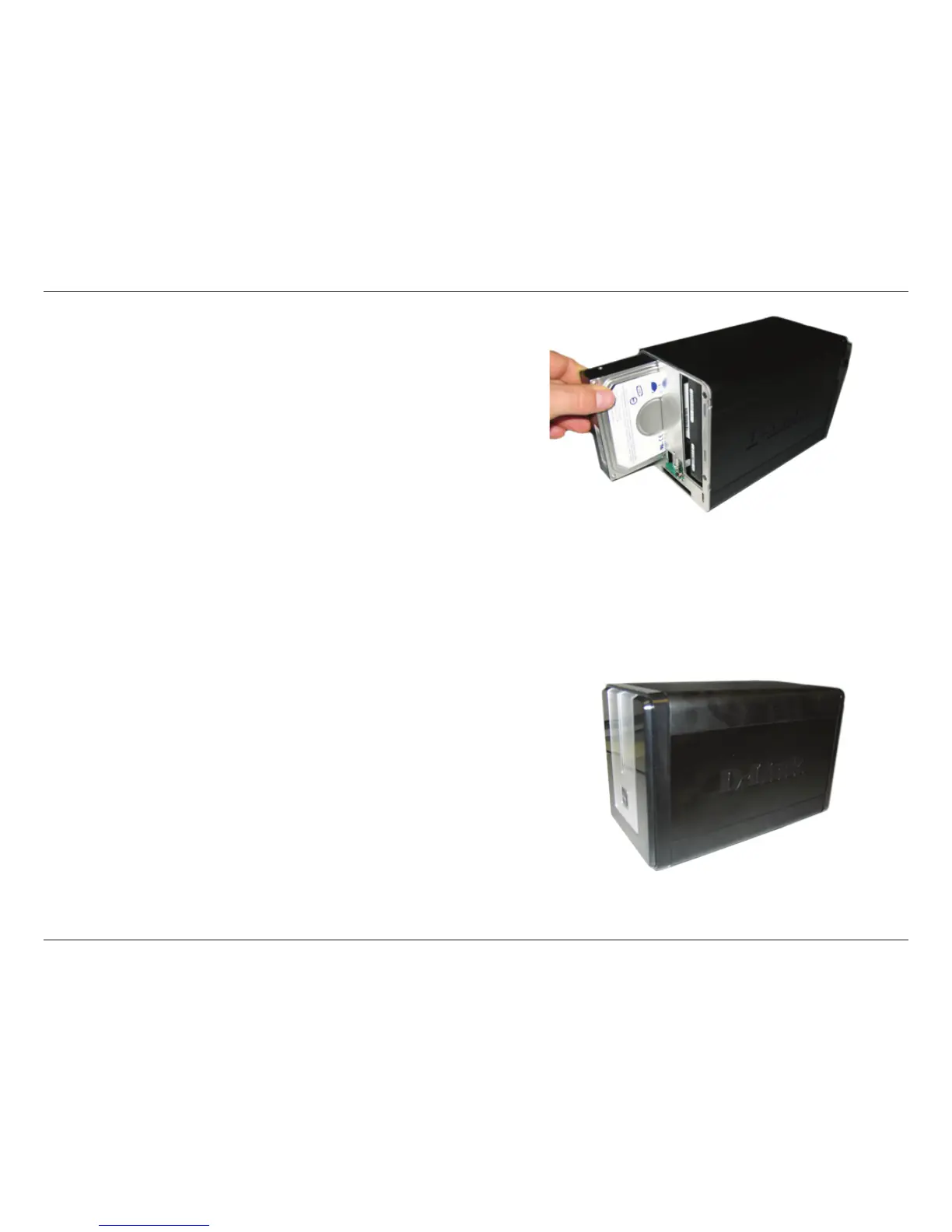
3. Insert a 3.5” SATA hard drive into each available drive
bay. Make sure to align the drive connectors to the
SATA connectors on the bottom edge inside the drive
bay of the DNS-323. Gently push the drive in until it
connects. When a drive is inserted properly, you will feel
it “seat” into the connector. Some hard drives that are
thin or oddly shaped may need to be guided carefully
into position. If a drive is not properly seated, the light
will not illuminate after powering on the device.
4. Attach the faceplate to the front of the device.















 To Next Page