49D-Link DNS-323 User Manual
Section 3 - Configuration
Firmware
Firmware
Upgrade
Current
Firmware Info
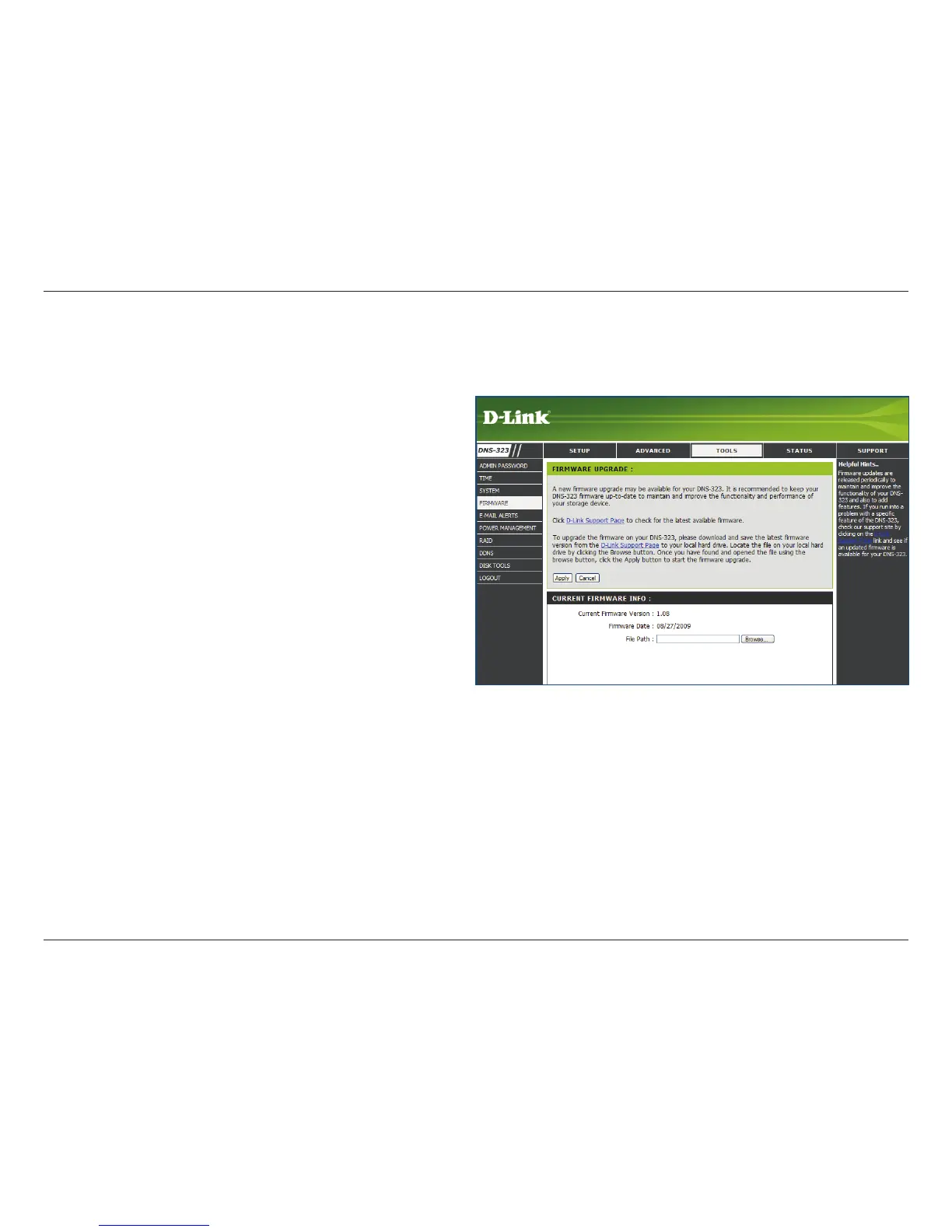
The DNS-323 Firmware menu makes it simple to check for new rmware releases and upload them to the device.
This section provides a link to check for new
rmware on the D-Link support website.
If a new rmware is available, download the le
to your local computer.
This section provides information about the
current DNS-323 rmware.
When upgrading the firmware, click Browse
to select the new rmware le on your local
computer.
Click Apply to begin the firmware upgrade
process.















 To Next Page