30D-Link DNS-323 User Manual
Section 3 - Configuration
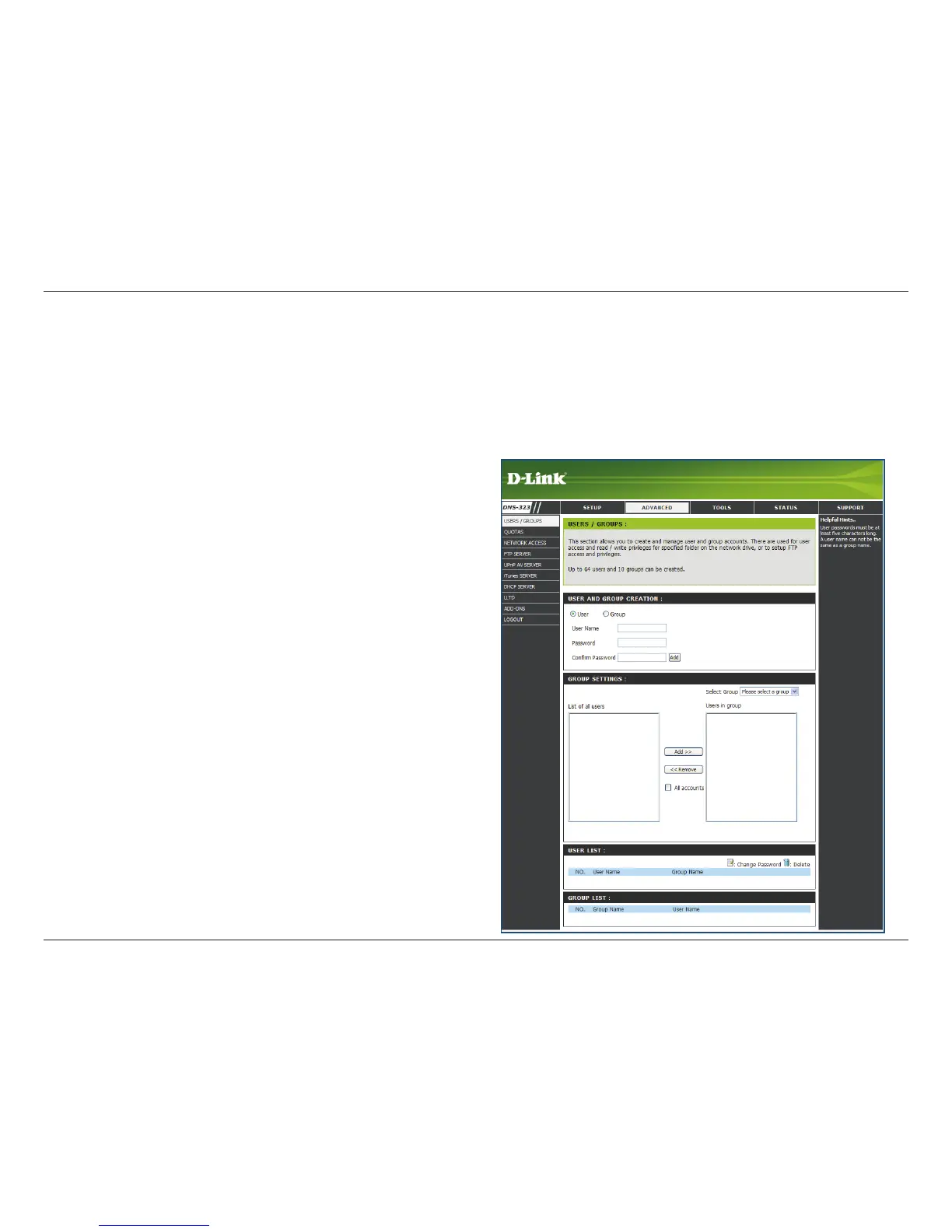
Users and Groups
User and Group
Creation
Select Group
List of All Users
The DNS-323 supports up to 64 unique users. The users can be added to a group, or individually. The users and
groups are created to allow access to specic folders on the DNS-323, via FTP or your local network.
This section contains required attributes for a new
user or group. Including User Name and Password or
Group name.
If creating a new user, carry out the following steps:
Click the • User radio button.
Type in a User Name, Password and Conrm •
Password in the relevant elds.
Click the • Add button to nish creating the user.
If creating a new group carry out the following steps:
Click the • Group radio button.
Type in a Group name in the • Add New Group
text box.
Click the • Add button to finish creating the
group.
Select a group that has been created for adding
users.
Displays the list of users that you may assign to the
selected group.
To add a new user to the selected group, click •
the user then click the Add >> button.
To remove a user from the group, click the user •
and then click the << Remove button.
Advanced















 To Next Page