14D-Link DNS-323 User Manual
Section 3 - Configuration
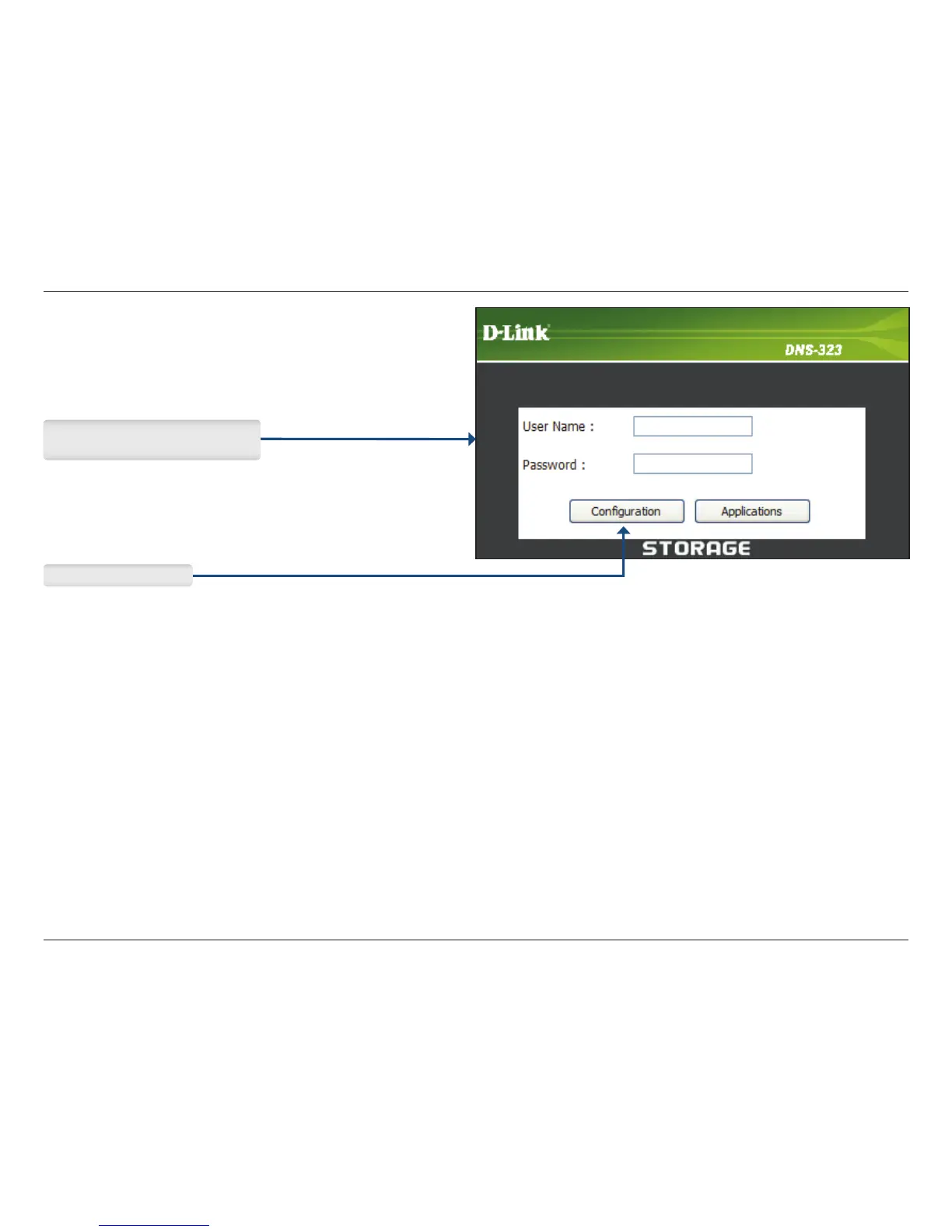
The Login screen will appear:
When logging into the DNS-323 for the rst time, you will be asked to choose a drive conguration type and format the
drives. There are four conguration options: Standard, JBOD, RAID 0 and RAID 1. Standard congures each disk as
a separate volume, while JBOD combines both disks into a single volume, as well as RAID 0 and RAID 1. See page
54 for more details on using the RAID congurations.
Note: All data will be erased during the format process.
Click Conguration.
Type admin for the username and
leave the password eld blank.















 To Next Page