21D-Link DNS-323 User Manual
Section 3 - Configuration
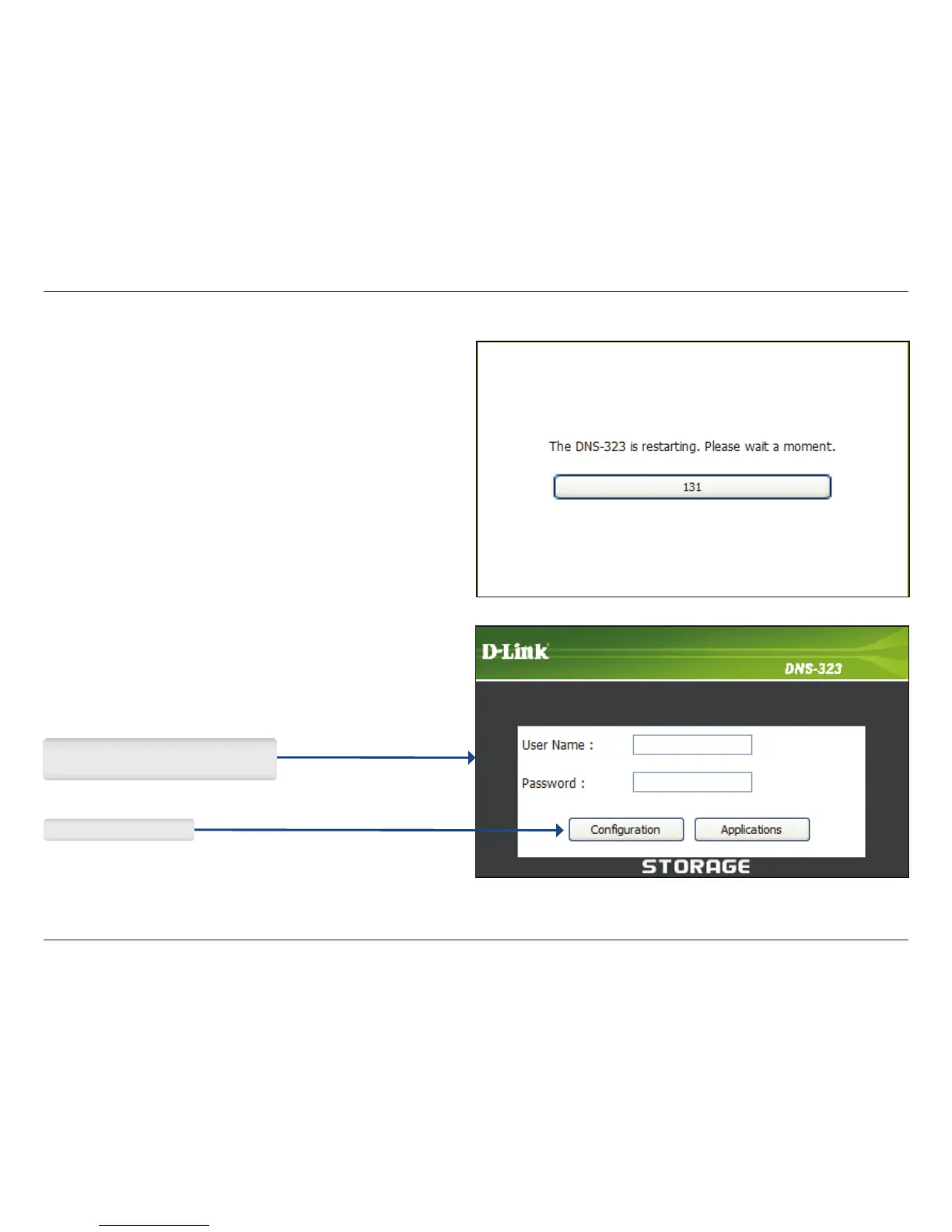
A restart countdown screen will appear. When the restart is complete, a login screen will appear:
Note: After logging in to the DNS-323 for the first time it is recommended to add a password to the admin account
(see page 46 for details.)
Type admin for the username and
leave the password eld blank.
Click Conguration.















 To Next Page