98D-Link DNS-323 User Manual
Section 3 - Configuration
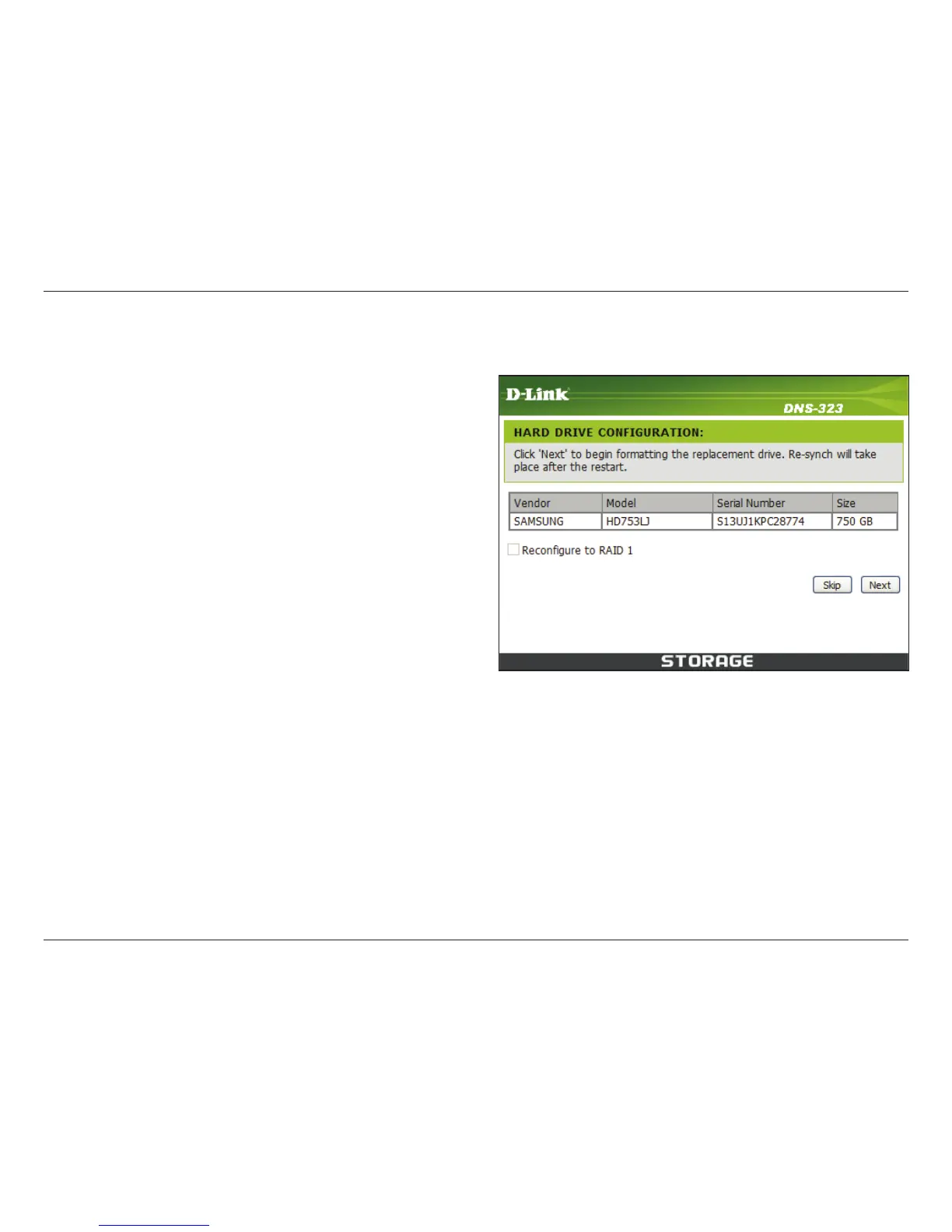
After you install the new drive, turn on the DNS-323 and then connect to the Web UI. The DNS-323 will prompt you
to format the new drive.
You will now have two choices for your disk conguration:
• If you want to congure the new disk as a separate
volume, press the Next button.
• If you want to congure the new disk in the DNS-323 to
use RAID 1, select the Recongure to RAID 1 check
box and click the Next button.
Note: Formatting a hard drive will erase the data stored on the hard drive. Please back up important data before
formatting a hard drive.















 To Next Page