DSL-2740E User Manual
75
3.3.11.5 SNMP
SNMP (Simple Network Management Protocol) provides a means to monitor status
and performance and set configuration parameters. It enables a management
station to configure, monitor and receive trap messages from network devices.
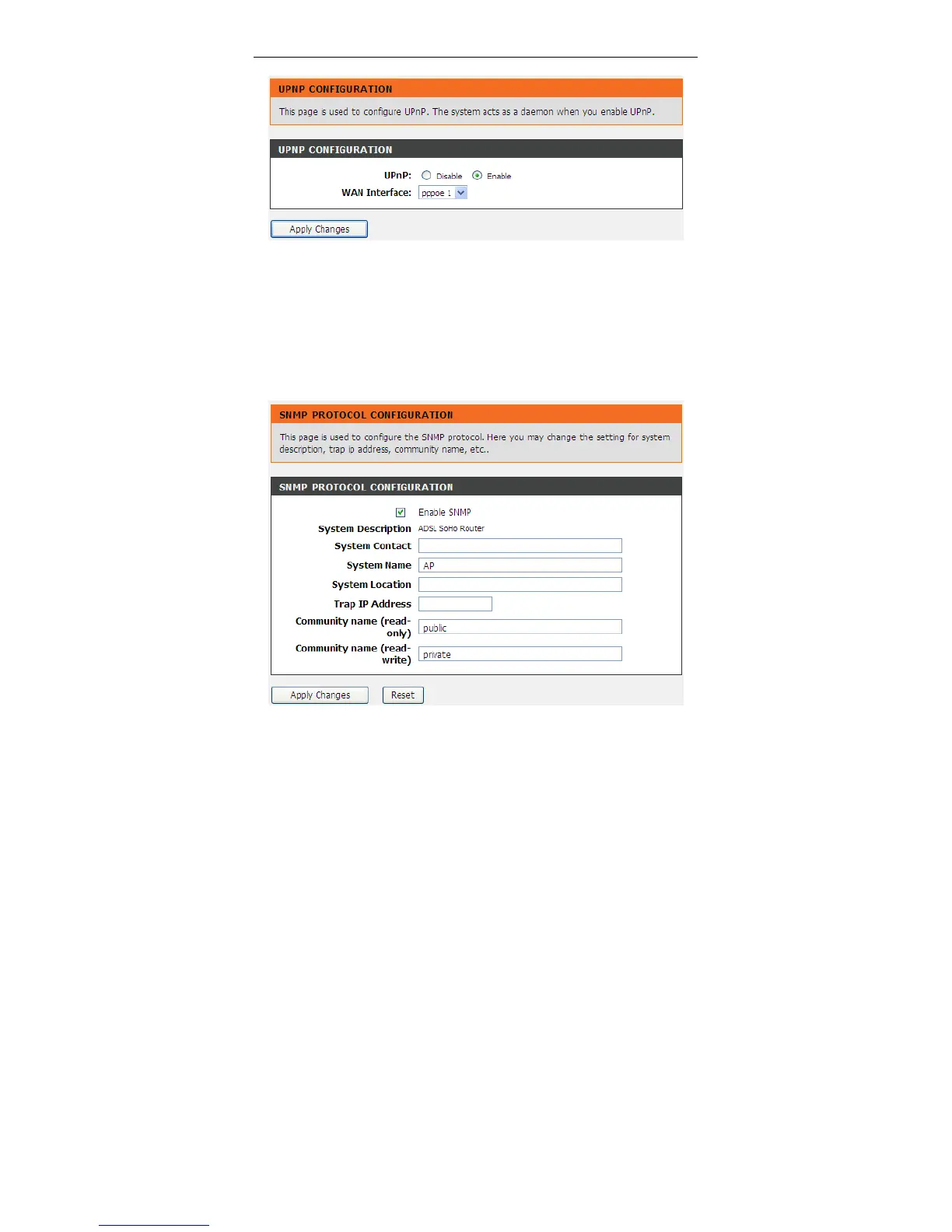
Choose Advanced > Network Tools > SNMP. The SNMP Protocol
Configuration page shown in the following figure appears. You may change the
settings for system description, trap IP address and community name.



 To Next Page