32D-Link DWA-510 User Manual
Section 4 - Wireless Security
Configure WEP
Using the D-Link Wireless Connection Manager
ItisrecommendedtoenableWEPonyourwirelessrouteroraccesspointbeforeconguringyourwirelessadapter.Ifyouarejoining
anexistingnetwork,youwillneedtoknowtheWEPkeybeingused.
1. Open the Wireless Utility by double-clicking on the D-Link icon in your
systemtray(lower-rightcornerofscreen).Fromthelistofavailable
wirelessnetworks,selectthenetworkyouwanttoconnecttoandclick
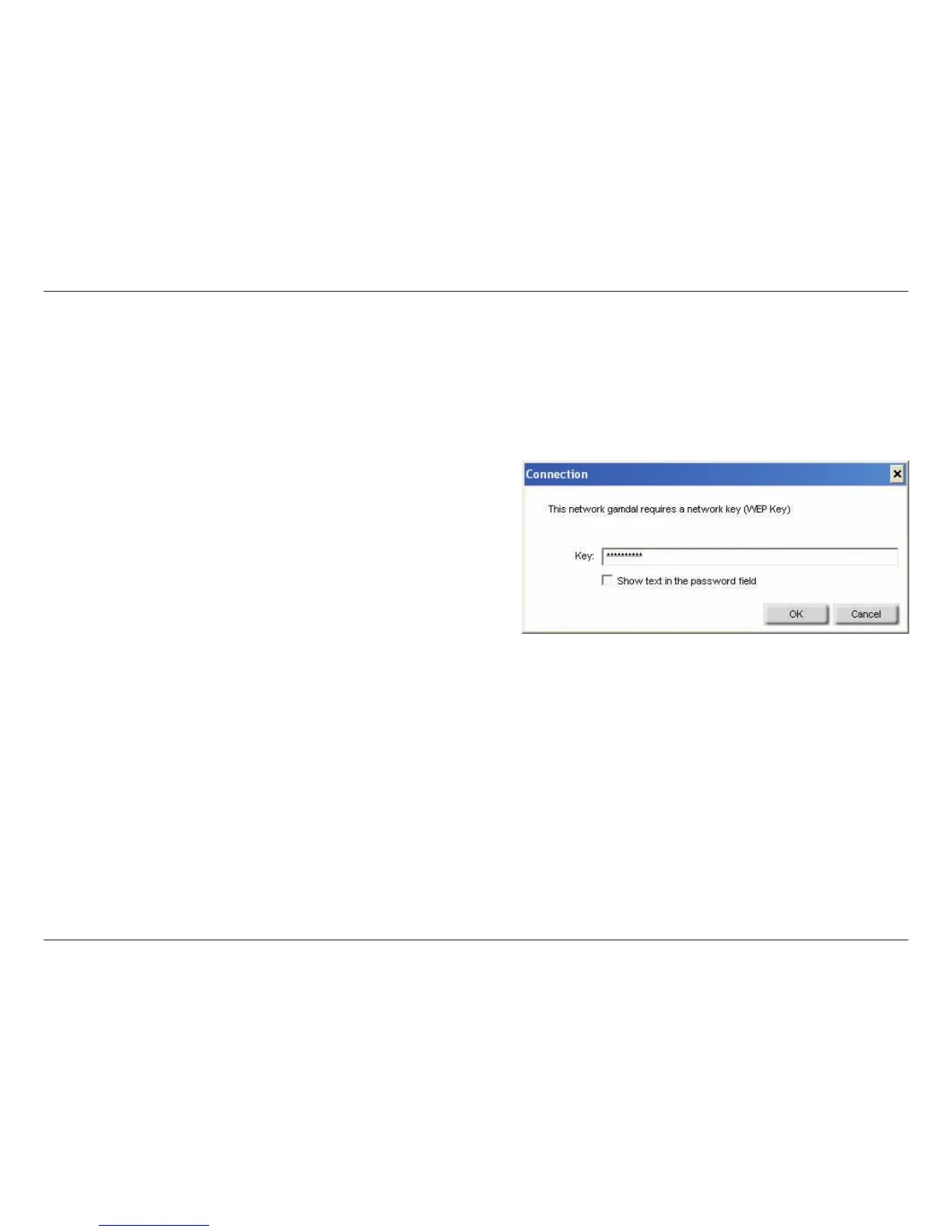
Connect.IfthenetworkisusingWEP,thescreen(asshowntotheleft)
will appear.
2. Enter the WEP key exactly as it is on your wireless router or access
point.
3. Click the Show text in the password field box to see the WEP key. Unchecking it will hide the key.
4. Click OK to connect to the network. Allow up to 30 seconds to connect.
IfyouwouldliketocreateanewnetworkandentertheWEPsettings,refertothenextpage.



 To Next Page
 Loading...









