8D-Link DWA-510 User Manual
Section 2 - Installation
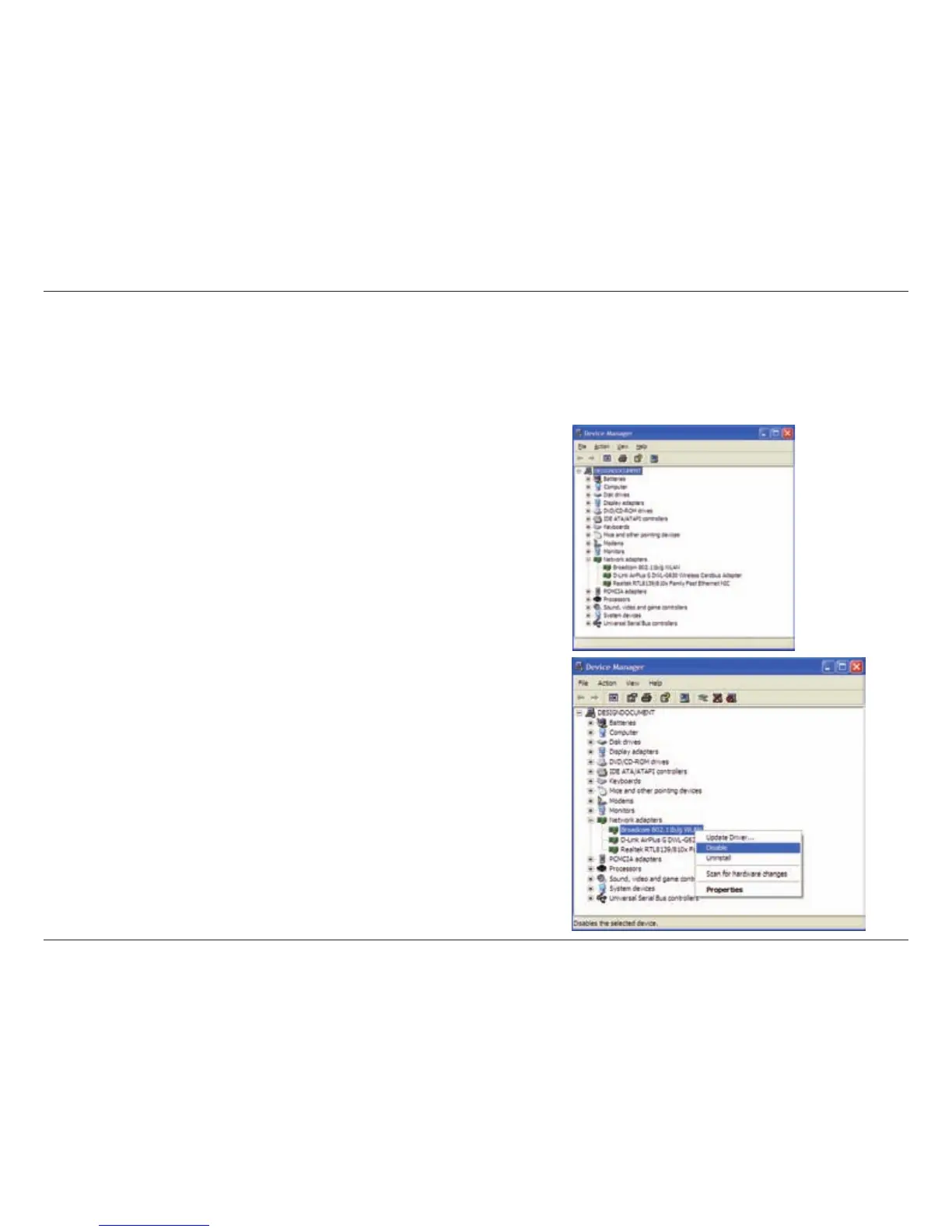
Disable Other Wireless Adapters
Mostnewerlaptopsmayincludeabuilt-inwirelessadapter.TopreventanyconictsorconfusionwiththeD-Linkwirelessadapter,
itisrecommendedtodisablethewirelessadapter(aswellasanyunusedEthernetadapters).
Fromthedesktop,right-clickontheMy Computer icon and select Properties.
Click the Hardware tab and then click Device Manager. Scroll down the list and
click the + sign to the left of Network Adapters.
Right-click the adapter you would like to disable and select Disable.



 To Next Page
 Loading...









