17
UsingtheCongurationUtility(continued)
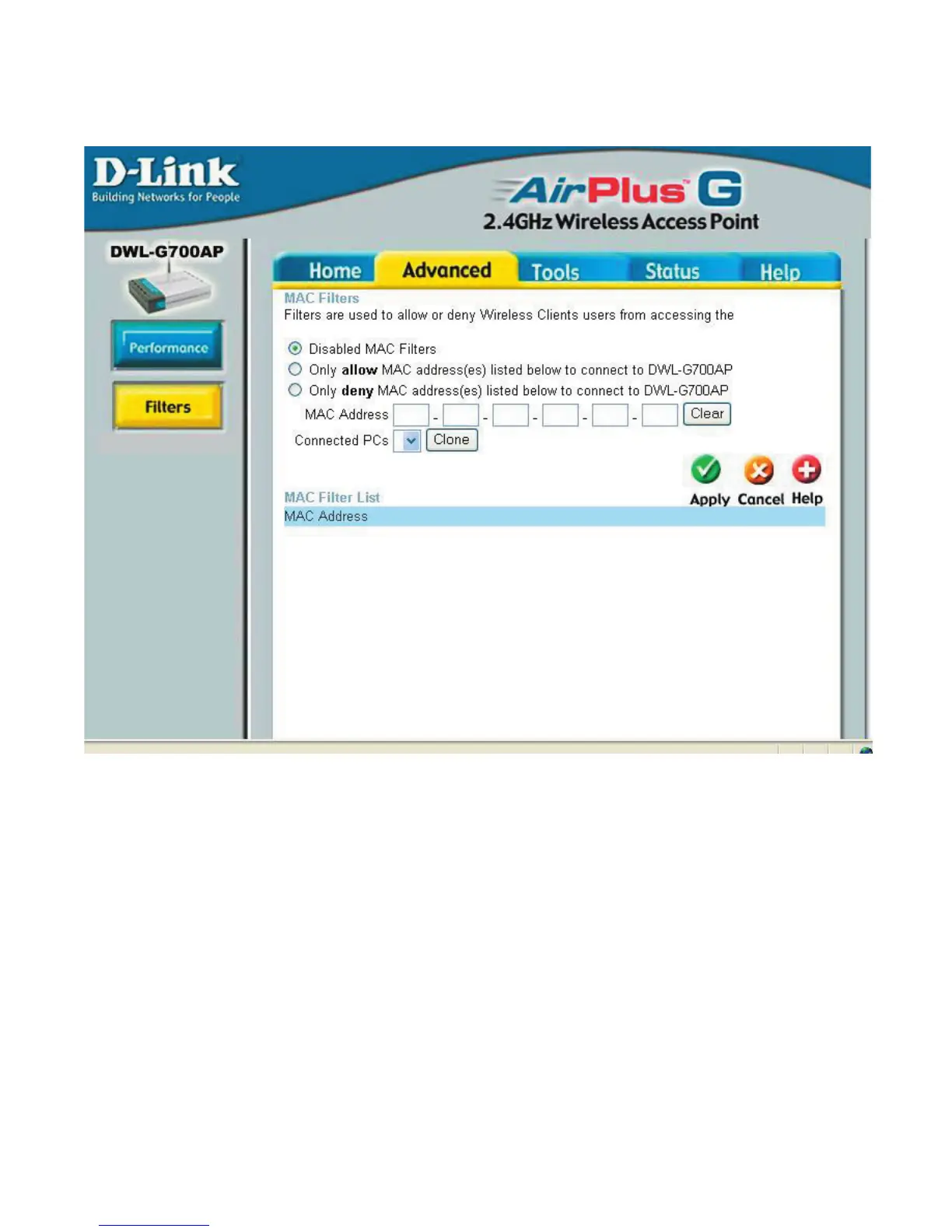
Advanced>Filters
UseMACFilterstoallowordenywirelessclients,bytheirMACaddresses,from
accessingtheDWLG700AP.YoucanmanuallyaddaMACaddressorselecttheMAC
addressfromthelistofclientsthatarecurrentlyconnectedtotherouter(Connected
PCs).ThedefaultsettingisDisabledMACFilters.
MAC Filter List: This list will display the MAC addresses that are in the selected
lter.
DWLG700AP












 To Next Page