16D-Link DWR-730 User Manual
Section 3 - Conguration
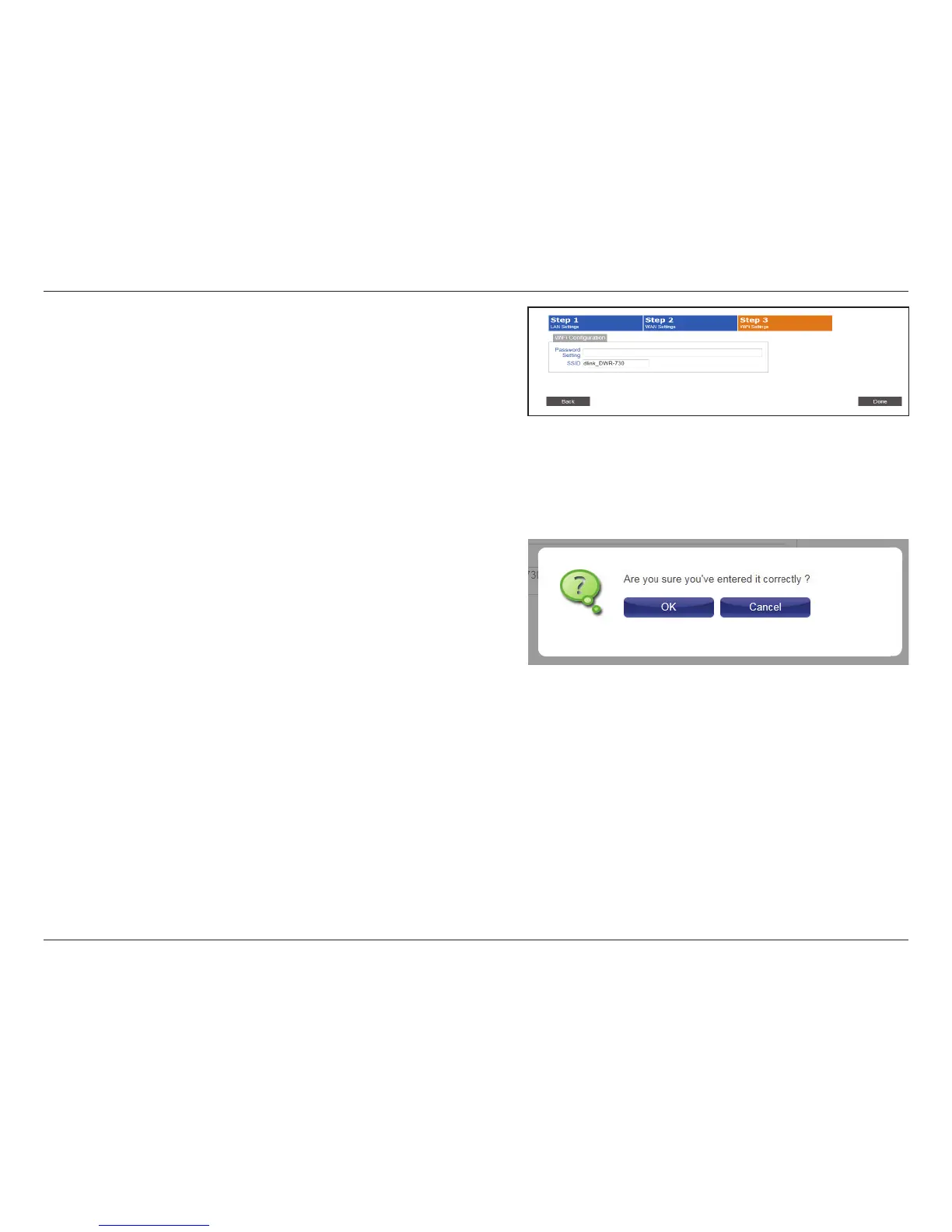
Wi-Fi Conguration
Choose a password for your wireless security. Clients
will need this password in order to access your network
wirelessly. If you are currently connected to the router using
Wi-Fi, you will need to reconnect to the router using your
new password once the wizard has been completed.
If you wish to change your wireless network name (SSID),
enter a new name in the eld provided. If you change the
SSID, you will need to reconnect to the router using the new
SSID before you can access your network or the conguration
utility.
Click Done to complete the wizard, or click Back to return to
the previous page.
After you have clicked Done, a conrmation window will
appear. Click OK to save the conguration.
Password Setting:
SSID:



 To Next Page