4D-Link DWR-730 User Manual
Section 1 - Product Overview
Hardware Overview
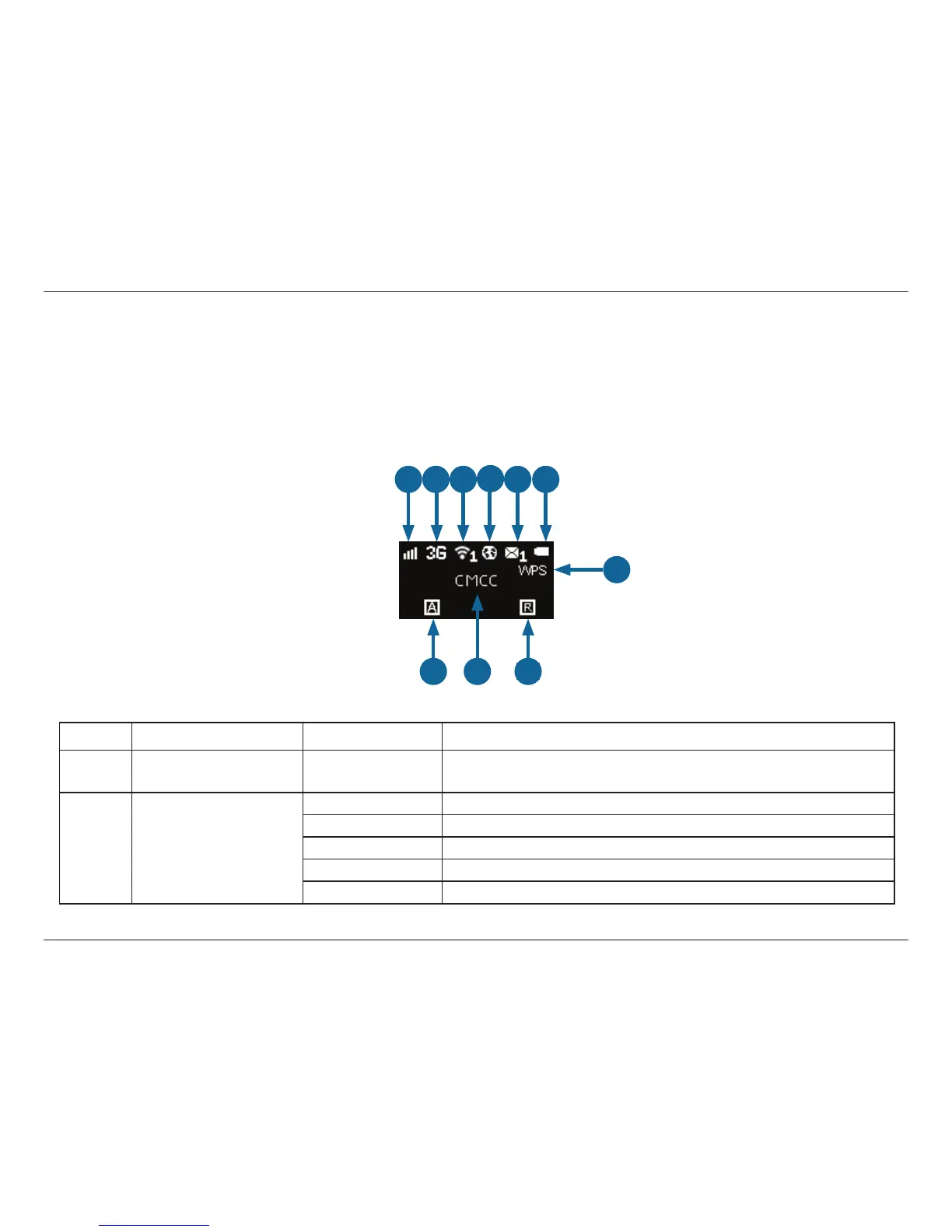
OLED Display
This OLED display shows the current status of the DWR-730’s functions including mobile network, Wi-Fi, security, Internet status, signal strength,
and battery level. Please refer to the table below for the specic indications which are shown on the display.
1 2 3
4
5 6
7
8
10
9
Number Function Icon Indication
1 Network Strength 0-5 Bars
Indicates the strength of the current mobile network
connection.
2 Network Type
H+ Currently connected to DC-HSPA or HSPA+ mobile network.
H Currently connected to HSPA mobile network.
3G Currently connected to WCDMA mobile network.
2G Currently connected to GPRS/EDGE network.
No SIM No SIM card detected in device



 To Next Page