24D-Link DWR-730 User Manual
Section 3 - Conguration
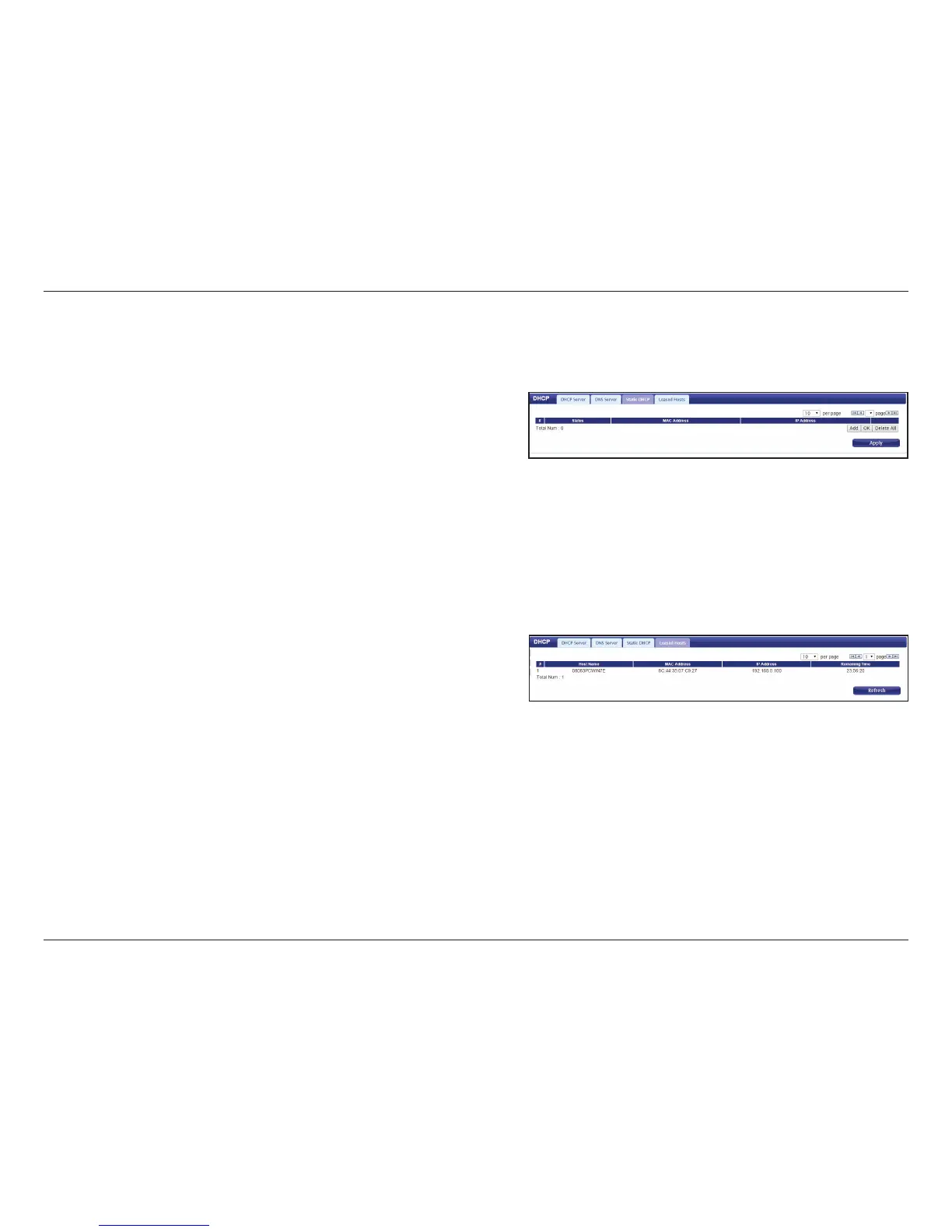
Static DHCP
Use this option to specify a DHCP address reservation to a
particular device or machine based on the MAC address. To
add a new reservation, click Add.
Enter the MAC address of the device or machine for which
you wish to make the DHCP reservation.
Enter the IP address that you wish to reserve. This address
must be within the DHCP address pool.
Click OK to save the reservation.
Leased Hosts
This table shows the details of clients currently receiving a
DHCP address from the DHCP server. Click Refresh to update
the table.
MAC Address:
IP Address:



 To Next Page