54D-Link DWR-730 User Manual
Section 4 - Connecting to a Wireless Network
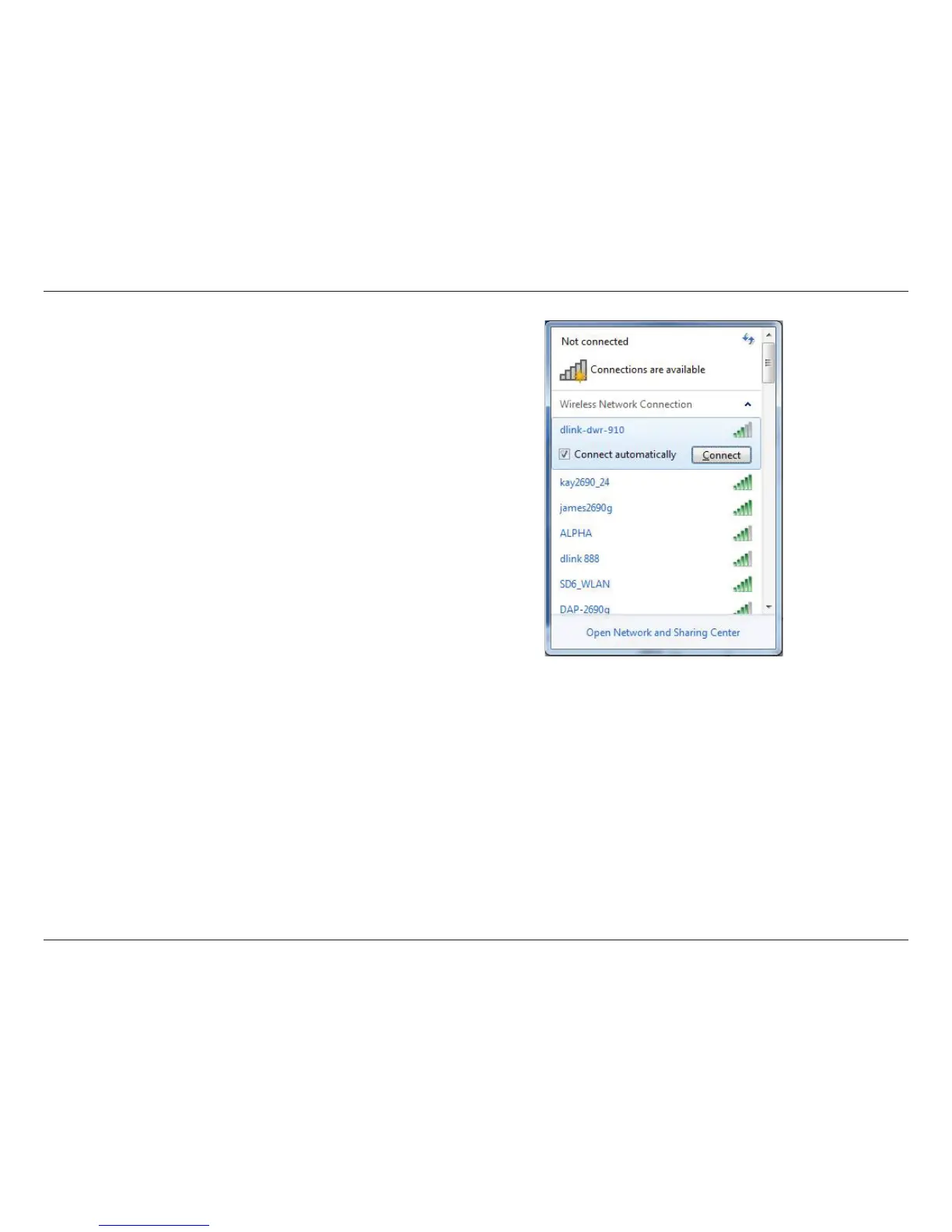
Highlight the wireless network (SSID) you would like to connect to and click
the Connect button.
If you get a good signal but cannot access the Internet, check your TCP/
IP settings for your wireless adapter. Refer to “Networking Basics” on page
70 for more information.



 To Next Page