15
4. System Configuration
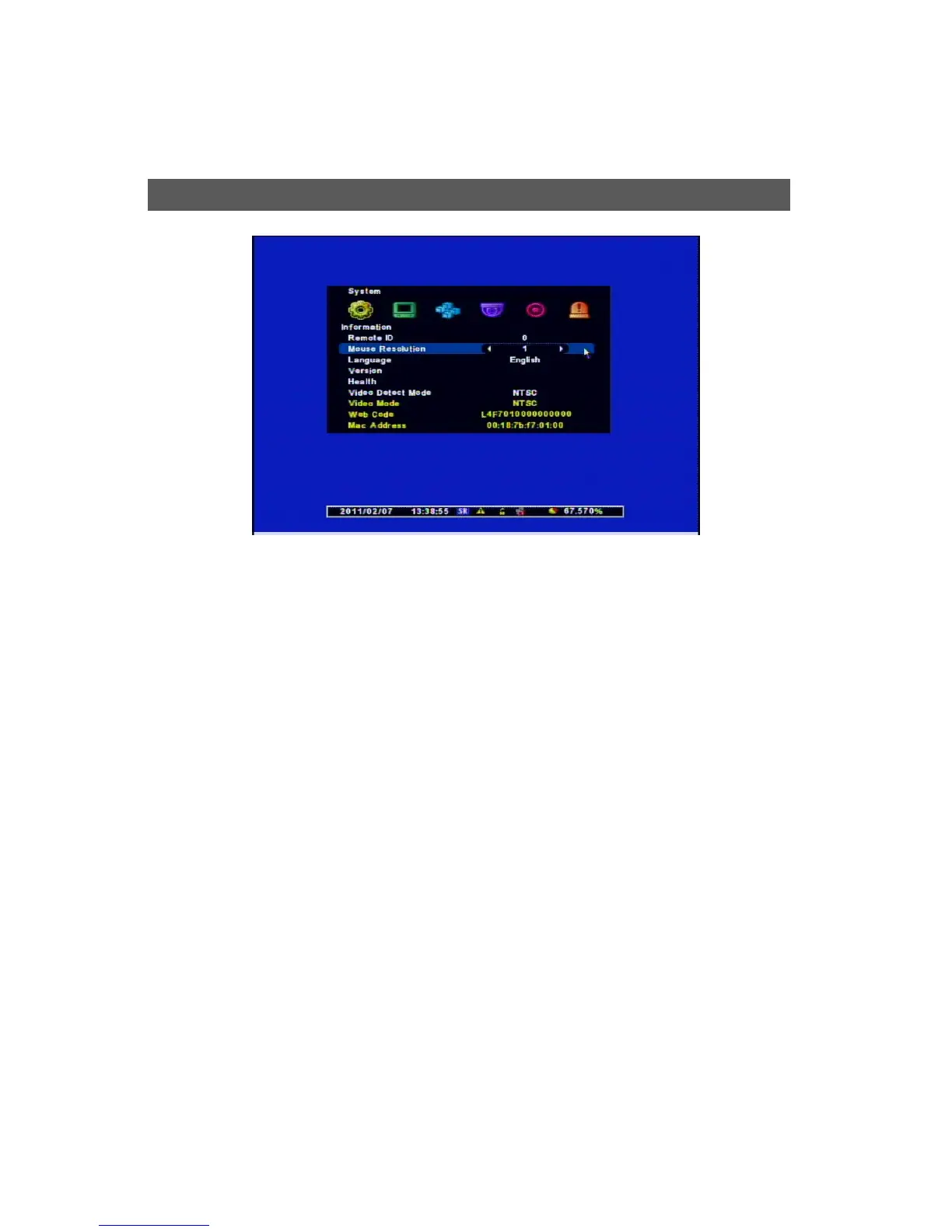
[1] Remote ID : Assign the ID of Remote Control so that user can separately control Mun\lti
DVRs with 1 Controller. (ID Range : 0 ~ 99)
[2] Mouse Sensitivity : Changes the Sensitivity Level for the Mouse for user’s convenience.
( Basic : 1, to increase the reaction speed : 1 < 2 < 3 )
[3] Language: Selects your Language.
[4] Version : Shows S/W, H/W, N/W Versions
[5] Health : Displays the status of its Storage
• Hard Disk1 : The temperature of the HDD
• USB1 /USB2: The status of the Connection of USB Port at the Front Panel
[6] Video Detect Mode : Selects a Video Signal (NTSC/PAL)
[7] Video Mode : Displays currect Video Signal Format.
[8] Web code : DDNS ID when you control the DVR remotely with DDNS Connection
[9] Mac Address : Its own Mac Address.
S



 To Next Page