28
The touring number is selectable from 1 to 16 and works in order.
[1] Touring Number : Selects the order
[2] Preset Number : Selects the Preset Number saved before.
[3] Touring Interval (/SEC) : Selects the Touring Dwell Time.
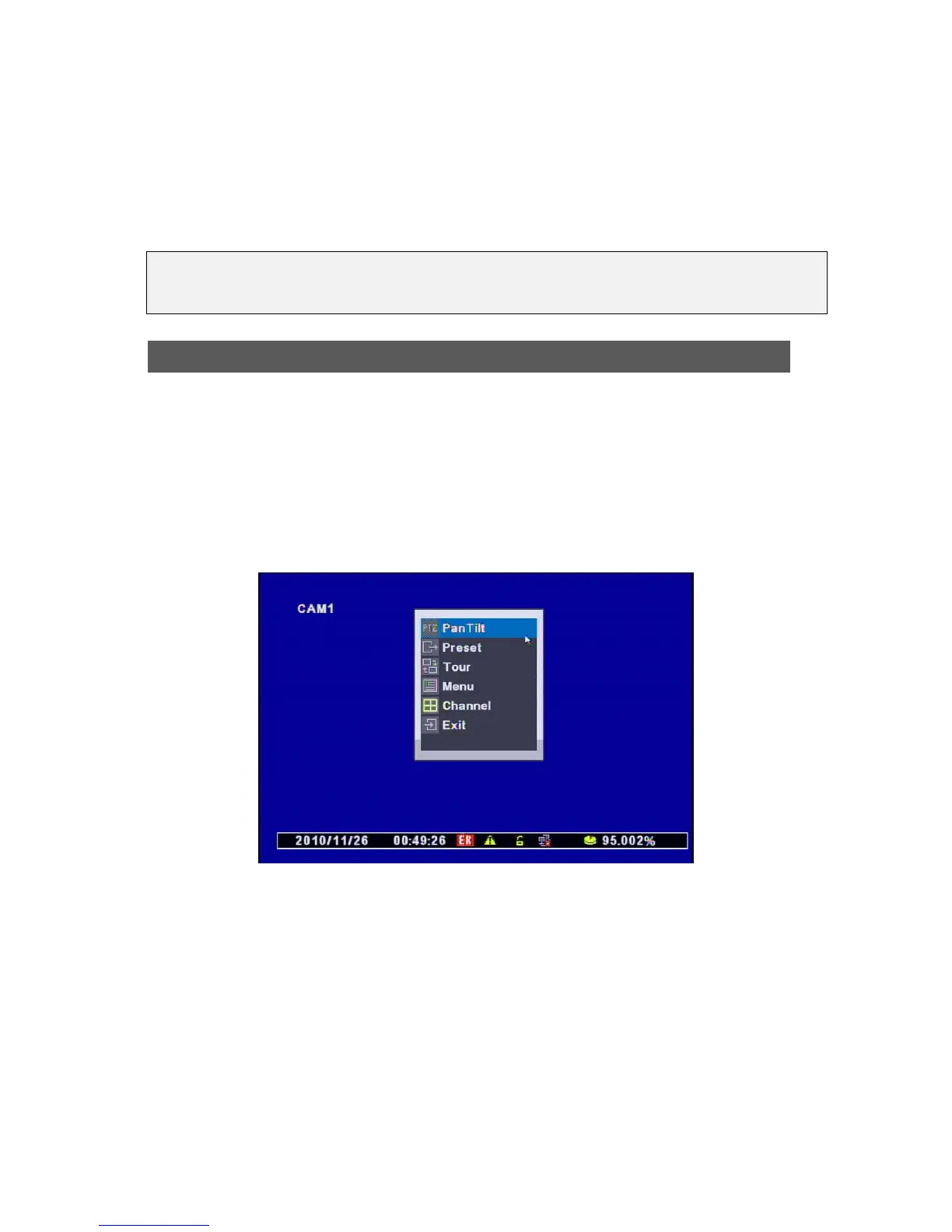
You can select this menu same as below.
• Using Mouse : Right-click any are of the sreen and select the PTZ.
• Using Remote Control : Click the PTZ.
(1) PTZ Control by Front Panel
• Pan/Tilt Control : Press the “MENU” Button at the Front Panel (or Right-click of the Mouse)
and then you can see the above menu to control it.
• Selecting the Menu for Pan/Tilt Control Menu
ㅇ PanTilt : Control it with the Direction Keys from the Remote Control.
[NOTES] Selecting the Protocol for PAN/TILT
When you select the Protocol, its name is registered in the Name of Camera or Protocol.
Usin



 To Next Page