29
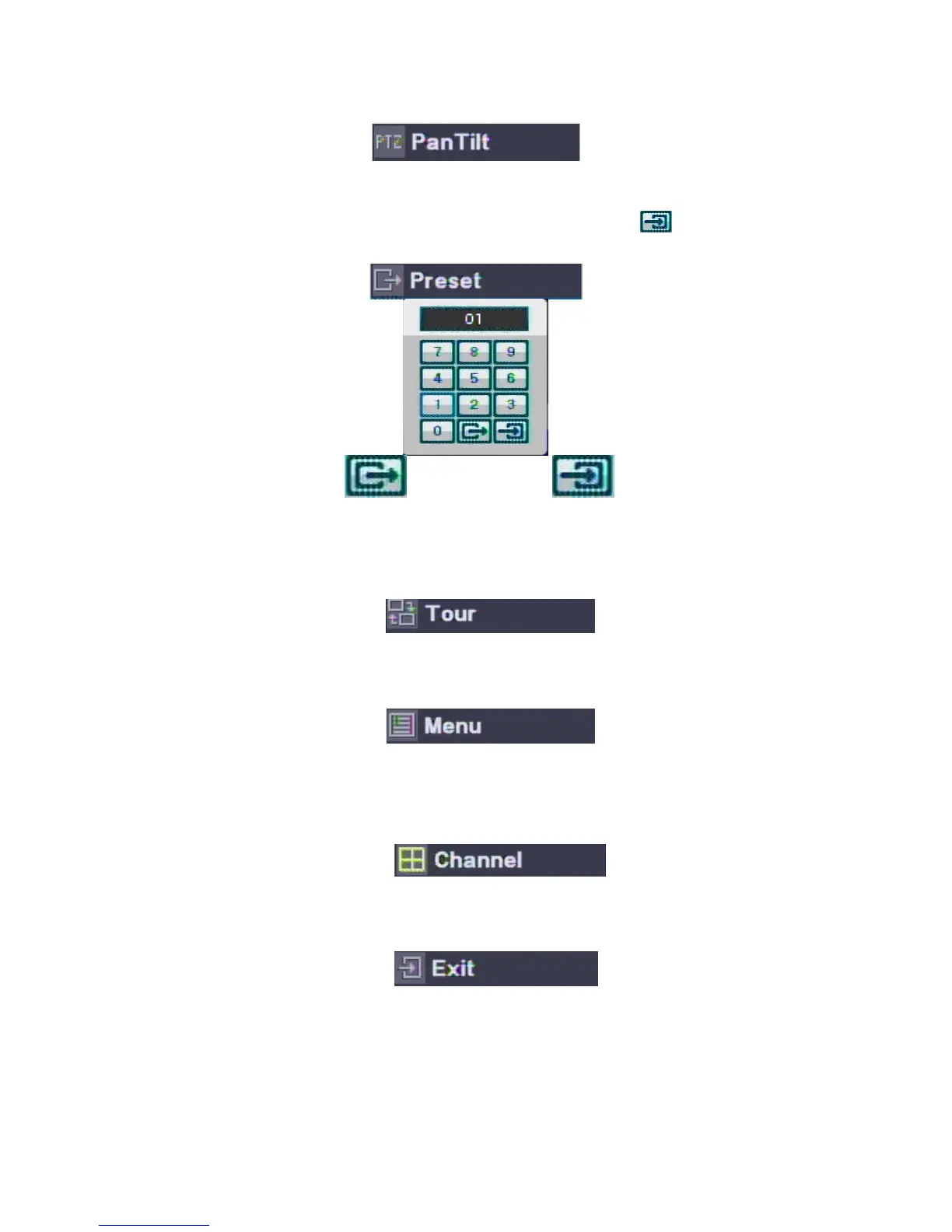
ㅇ Preset : Input the Preset Number to move or save and then Save (
) it.
(Moves to select Preset) (Saves the Preset)
ㅇ Tour : Moves the Saved Presets automatically in order.
ㅇ MENU : shows the “Pan/Tilt Menu”
ㅇ Channel : available to change the Pan/Tilt Channels in Multi-channels.
Select the “Channel” Menu and then move to other channels with direction keys.
ㅇ Exit : Ends the PTZ Mode.



 To Next Page