41
10. SEARCH SETUP
You can perform the Search for recorded data by the time, Motion Detection, Sensor Detection,
and so on.
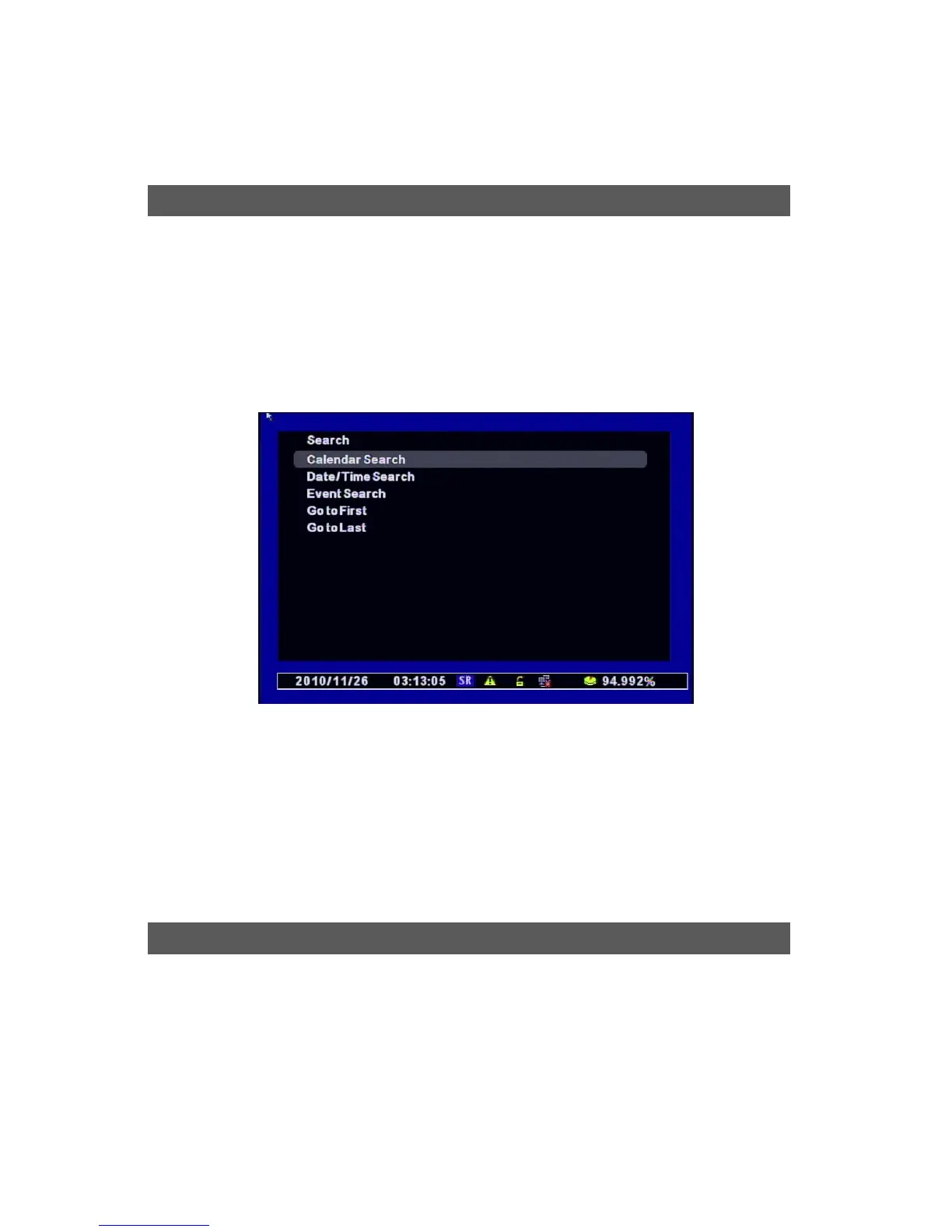
[1] Accessing the Search Menu : Press the “Search” Key on the Front Key, Remote Control, and the
right button of the Mouse.
[2] Select Search Mode
• Calendar Search : Select Calendar to Search / easy to search the recording files if you don’t
know the exact Date/Time
• Date/Time Search: Select Date/Time to Search
• Event Search : Select Event to Search
• Go to First : Searches the first recorded data on HDD.
• GO to Last : Searches the last recorded data on HDD.
It searches the recorded data from the Calendar.
[1] If there’s any recorded data on DVR, it shows red on the date. You can select other dates by
searching ” Y/M/D” with the direction keys.
Search
Calendar Search



 To Next Page