40
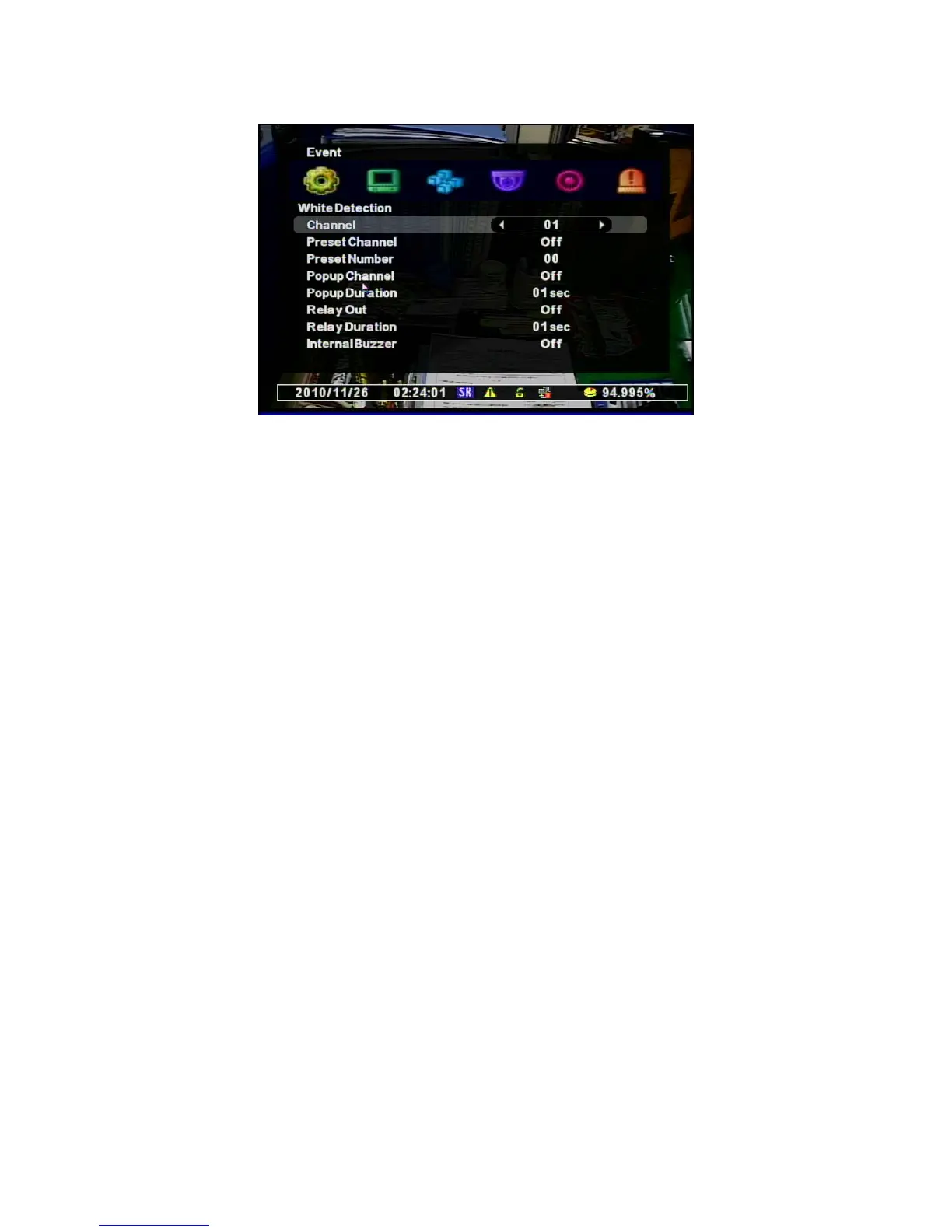
• Channel : Selects a channel to apply.
• Preset Channel : Selects a Preset Camera to apply when Event happens.
• Preset Number : Selects a Preset Number to move.
• Popup Channel : Selects the use of Popup .
• Popup Duration : Sets the Duration to keep the Popup window.
• Relay Out : Selects the Alarm Out.
• Relay Duration : Sets the duration of alarm signal.
• Internal Buzzer: Selects the use of Internal Buzzer on the DVR



 To Next Page