47
11. BACKUP SETUP
You can backup the desired data to a connected device.
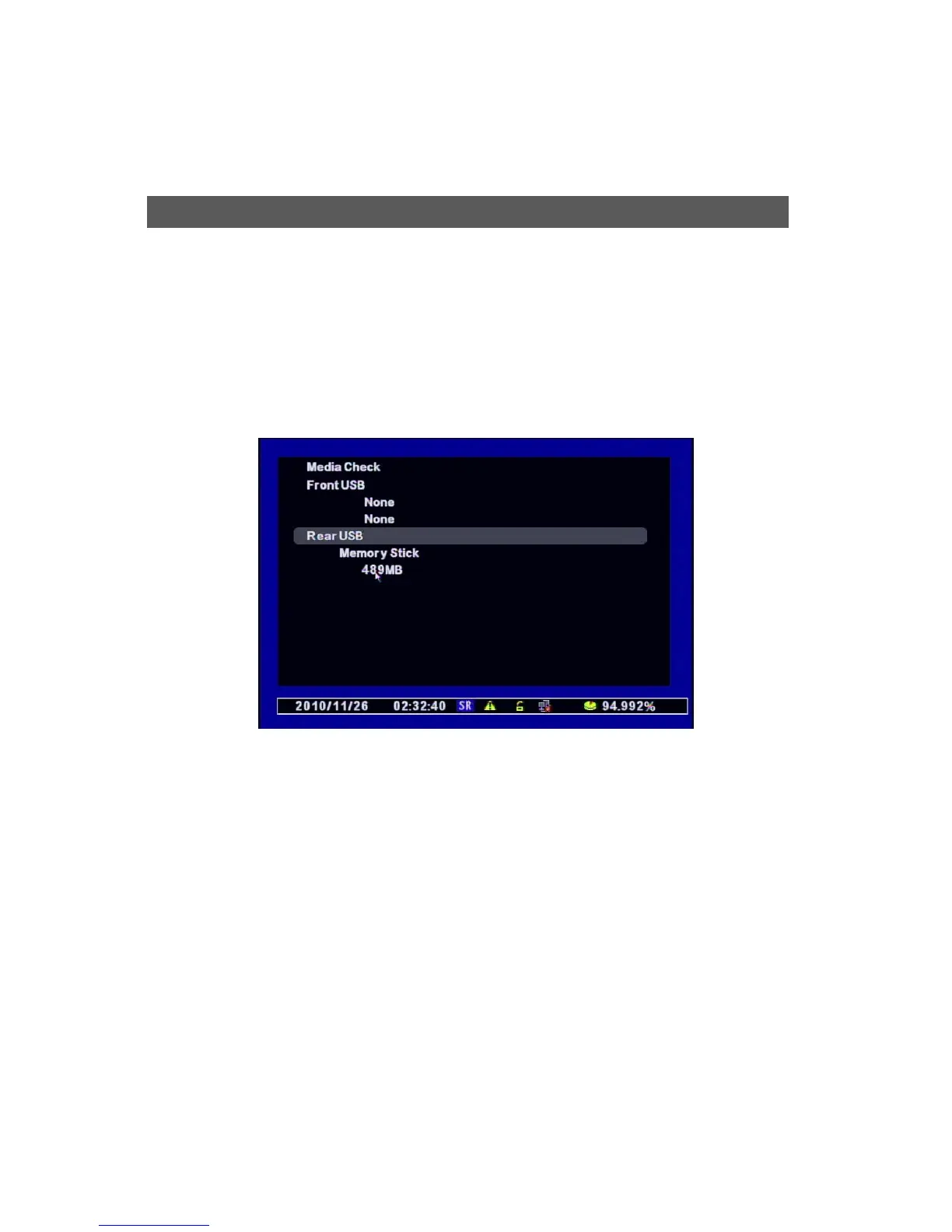
After connecting the USB into the DVR, press the “BACKUP” button on Remote control or right-
click of the Mouse to find the “POP-UP MENU Æ BACKUP”.
[1] Select the connected device. If it’s recognized normally, it shows the capacity of the device
with the message “XXX MB”.
[2] Select the date to backup the data.
Backu



 To Next Page