24
6. NETWORK SETUP
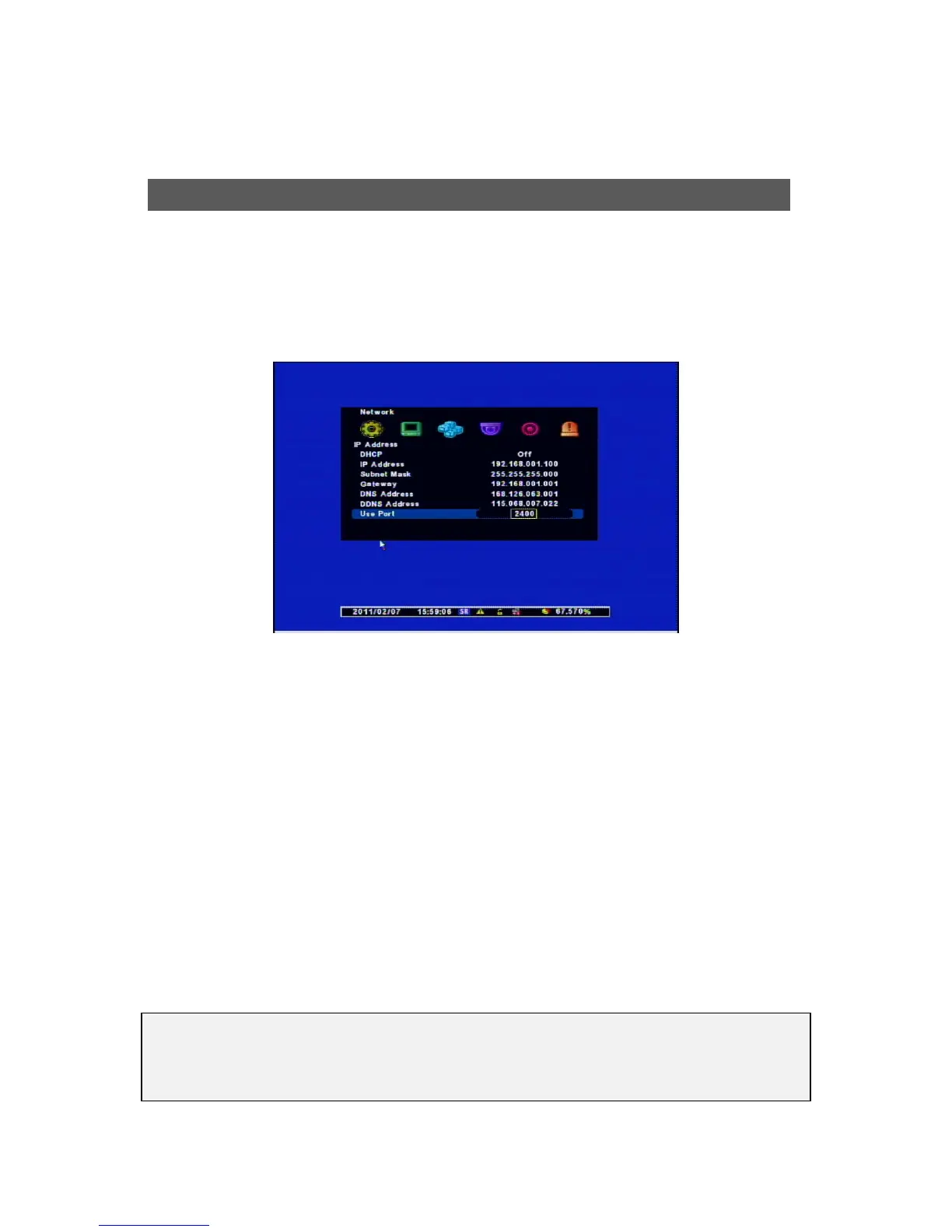
It provides networked monitoring of Live Screen from a remote place and you have to setup some
infromation to use correctly.
Please check whether your Network Connection Mode is Dynamic IP(DHCP) or Static IP before
setting.
[1] DHCP : “ON” for Dynamic IP Users / “OFF” for Static IP Users
[2] IP Address : The users for “Dynamic IP” don’t need to set it but for “Static IP Users” have to
input the Addresses same as below examples. If the Network Connection is with “Status IP”, ask
the information to Network Service Provider.
[Examples]
• IP Address : 61.250.152.050
• Subnet mask : 255.255.255.000
• Gateway : 61.250.152.001
• DNS Address : 164.124.101.002
[3] DDNS Address : It’s for the user of “Dynamic IP” so do not change it.
( Factory Default : 115.68.7.22 )
[4] Use Port : DVR Port is “2400”
IP Address Setu
[NOTES]
If the user for “Dynamic IP” use the Router, make a PORT FORWARDING. For this setting
and detailed functions, refer to its manual.



 To Next Page