23
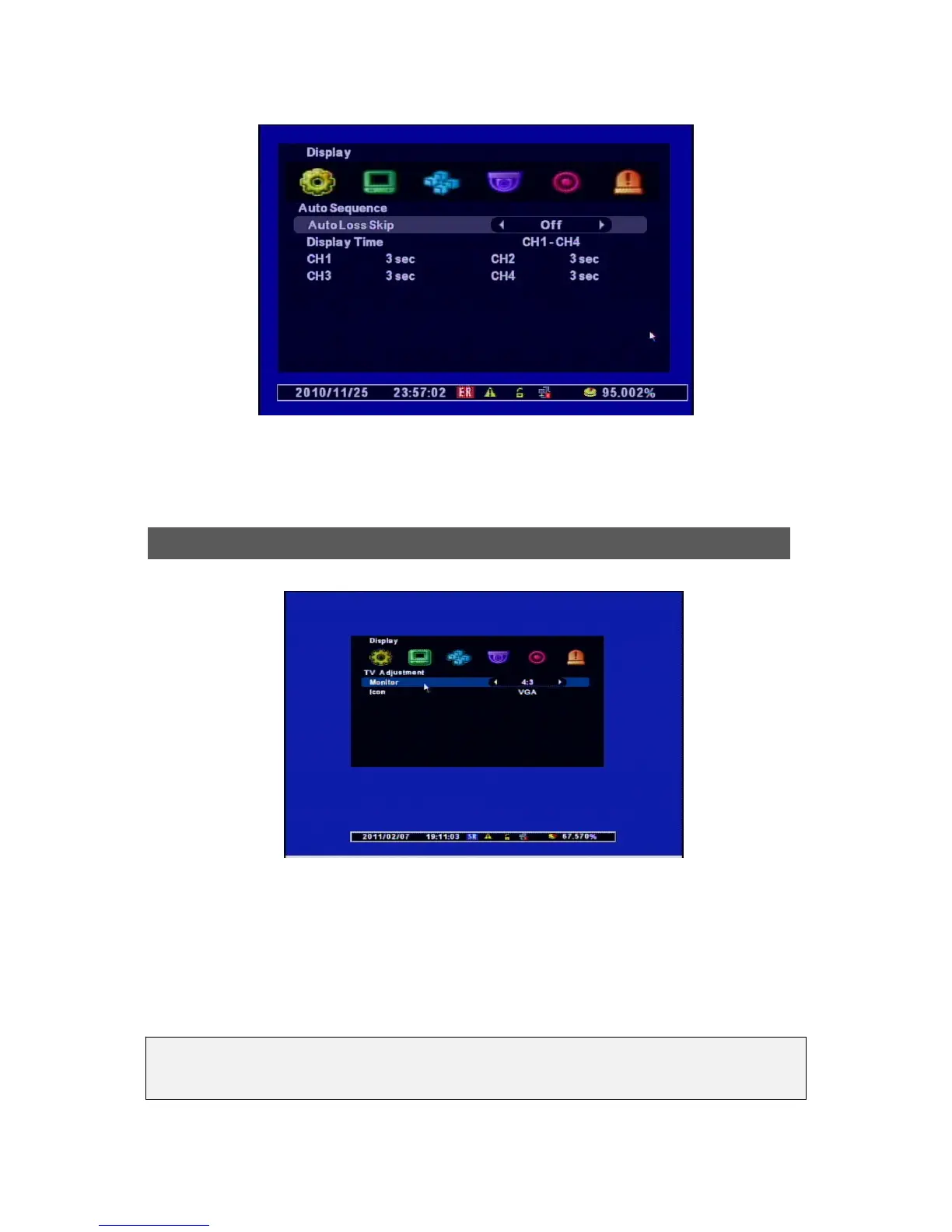
▷ Auto Loss Skip : If there’s no video input, this menu is not applied.
▷ Display Time : Selects the Display Duraion for each channel. ( 1sec ~ 30sec)
[1] Monitor : Select the ratio of the Monitor. ( Currently, the Monitor with 4:3 is available only.)
[2] Icon : The OSD Posion is changed accoring to the size of a Monitor you use.
• Small : for a small monitor
• Normal : for a normall sized monitor
• VGA : for a LCD Monitor
TV Ad



 To Next Page