46
You can use the Audio during the Live View or Playback.
[1] Opening the Menu : Click the “AUDIO” button on the Remote Control or right-click any area
on the Mouse in Live or Playback.
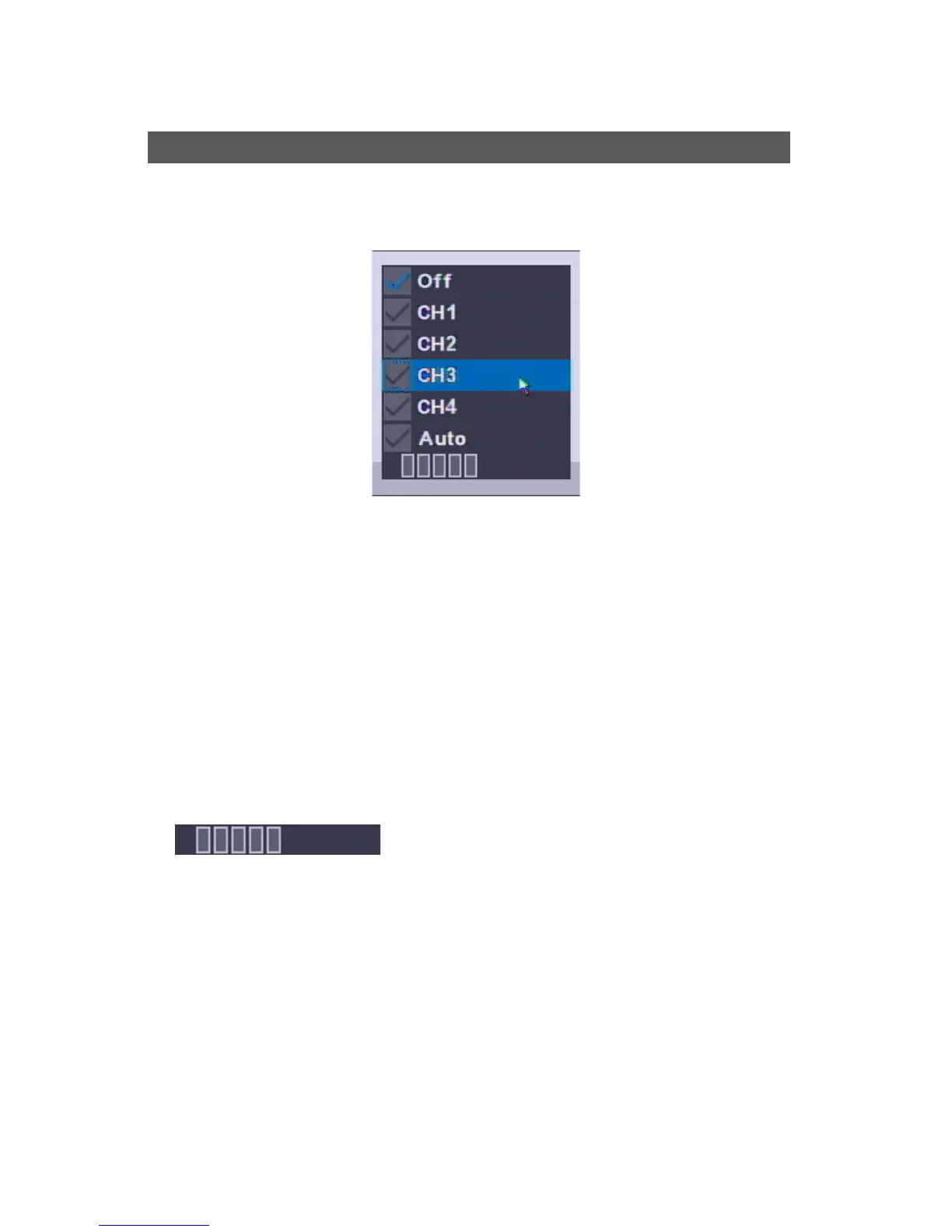
[2] Mode Selection
• OFF : No Audio Use
• CH1 : Audio Out only for CH1
• CH2 : Audio Out only for CH2
• CH3 : Audio Out only for CH3
• CH4 : Audio Out only for CH4
• Auto : Audio Out only for the selected channel
• Volume Control : More bars, getting louder
Audio



 To Next Page