16
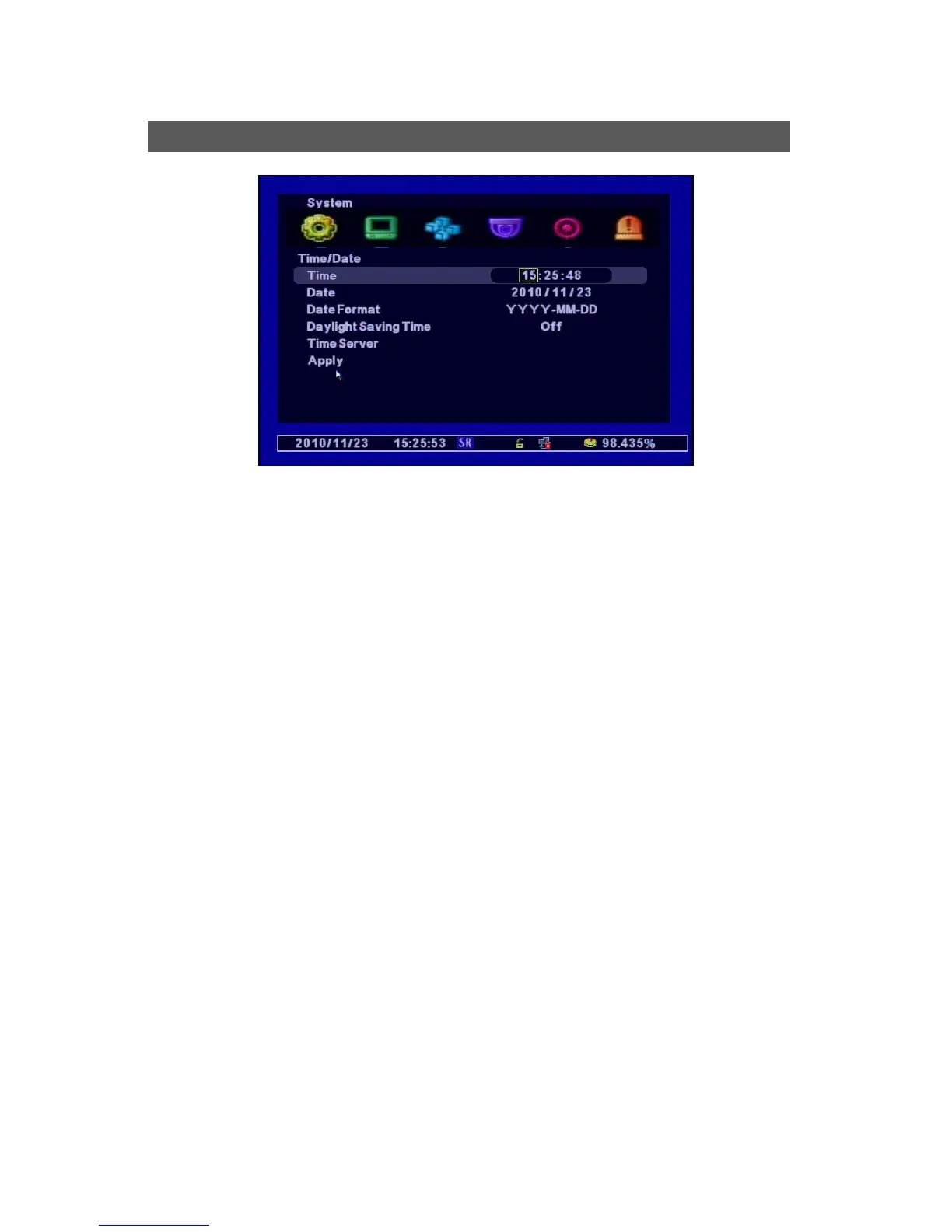
[1] Time : Set the Time
[2] Date : Set the Date
[3] Date Format : Year(YYYY), MOnth(MM), Day(DD)
[4] Day Light Saving Time (Summer Time) : If you select “Yes”, the time makes 1 hour earlier than
the GMT of its time zone.
[5] Time Server : Synchronizes the Time automatically with Time Server Service.
√ Time Server : Input the URL of the server (Default : kr.pool.ntp.org )
√ synchronize Period : Selects the period to synchronize the Time between the DVR and Server
ㅇ Power On : Sync when the Power On.
ㅇ 12Hour : Sync every 12 Hours.
ㅇ 24Hour : Sync every 24 hours.
ㅇ Off : Not use to Sync.
[4] Time Zone : Selects a GMT Zone
[5] Apply : Saves the Time / Date
Time/Date



 To Next Page