25
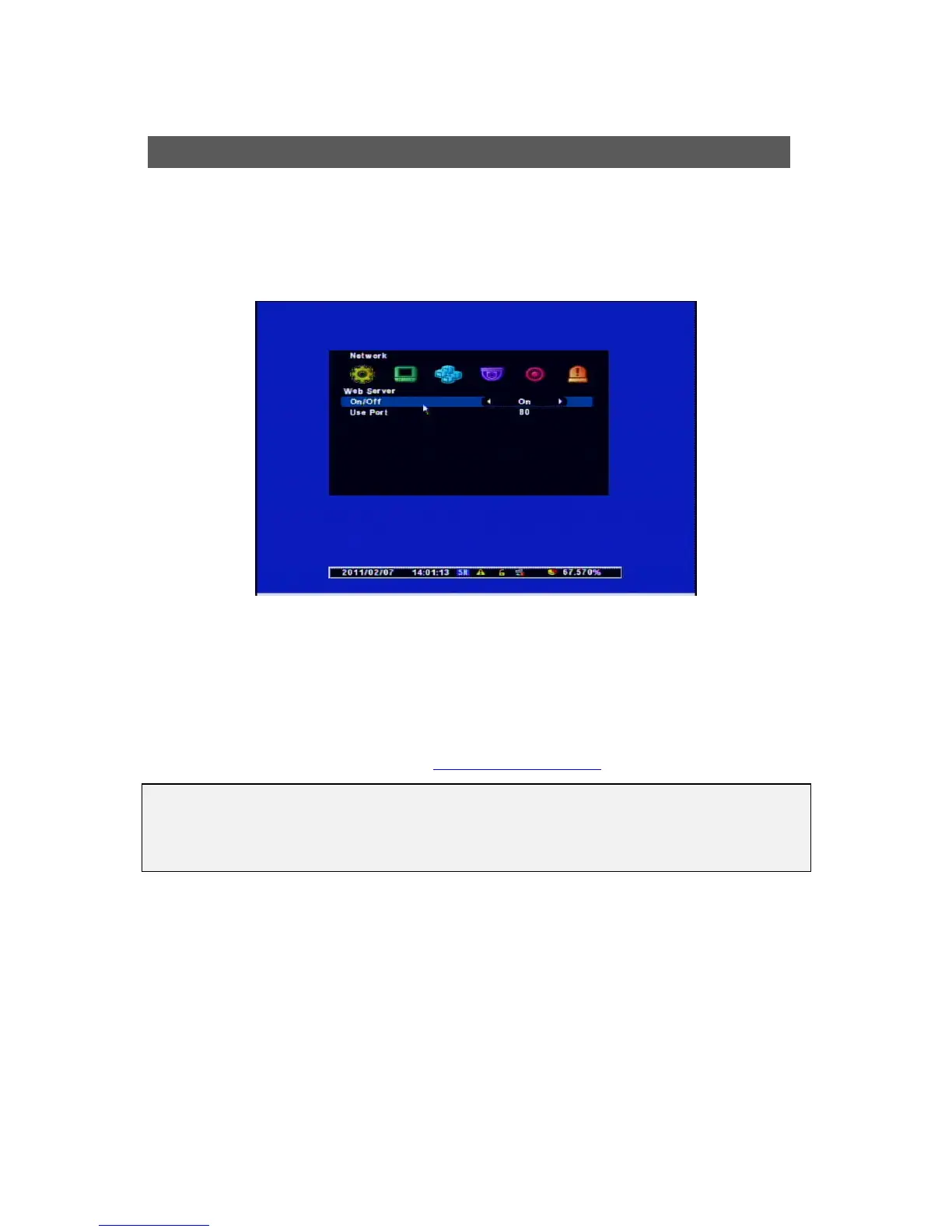
This DVR includes Built-in Web Server so you don’t have to install additional program for
Networked Monitoring.. If you put IP Address only in Local Network, you can control the DVR
remotely.
[1] On/Off : “On” – Use the Networked Monitoring in Local Network
“Off” – Use the Networked Monitoring through Web.
[2] Use Port : Connection Port for Remote Control
[Example]
IP Address : 61.250.157.50 / Port : 2001 Æ http://61.250.157.50:2001
(Enter)
Web Server
[NOTES]
When you connect the DVR with the Web Server through the WAN, you have to make
“PORT FORWARDING” for both Port Numbers of Web Server and using DVR Port.



 To Next Page