36
[APPLY TO ALL] Use the following keys to “APPLY TO ALL”.
“1” Button : Select ALL
“2” Button : Release ALL
[Using Mouse]
Right-click from the Starting Position and drag it to the finishing position for Motion Detection
Area.
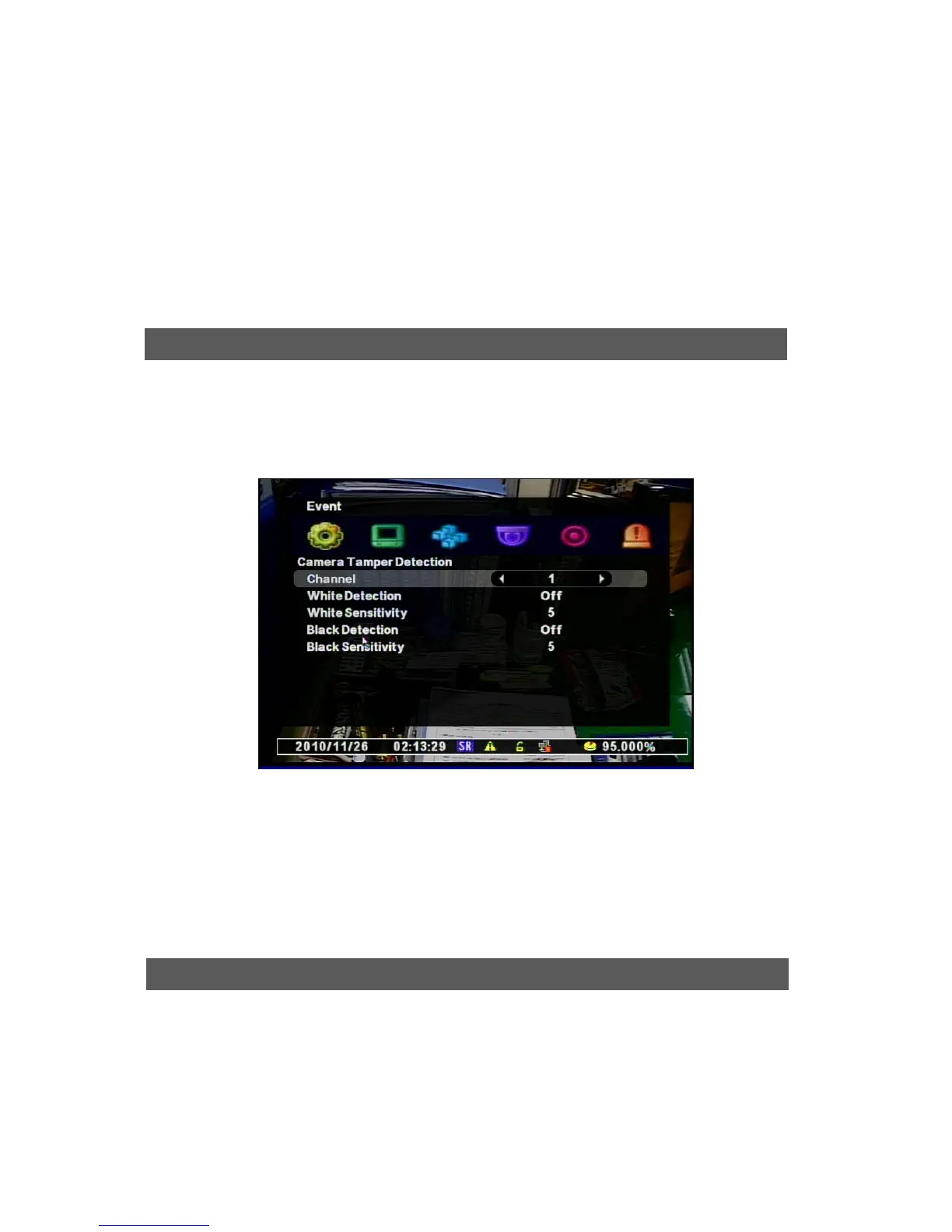
When the image is detected with too dark or bright, it recognizes as an event.
Normally, it detects the situation when the door/window is open or the camera is blocked with
some materials.
[1] Channel : Selects the use of Camera Tamper Detection
[2] White Detection : Detects the bright situation
[3] White Sensitivity : Selects the sensitivity of brightening
[4] Black Detection : Detects the Dark situation
[5] Black Sensitivity : Selects the sensiticity of darkness.
You can set the event recording options for Motion, Sensor, Video Loss, Black Detection, and
White Detection.
Camera Tam



 To Next Page