35
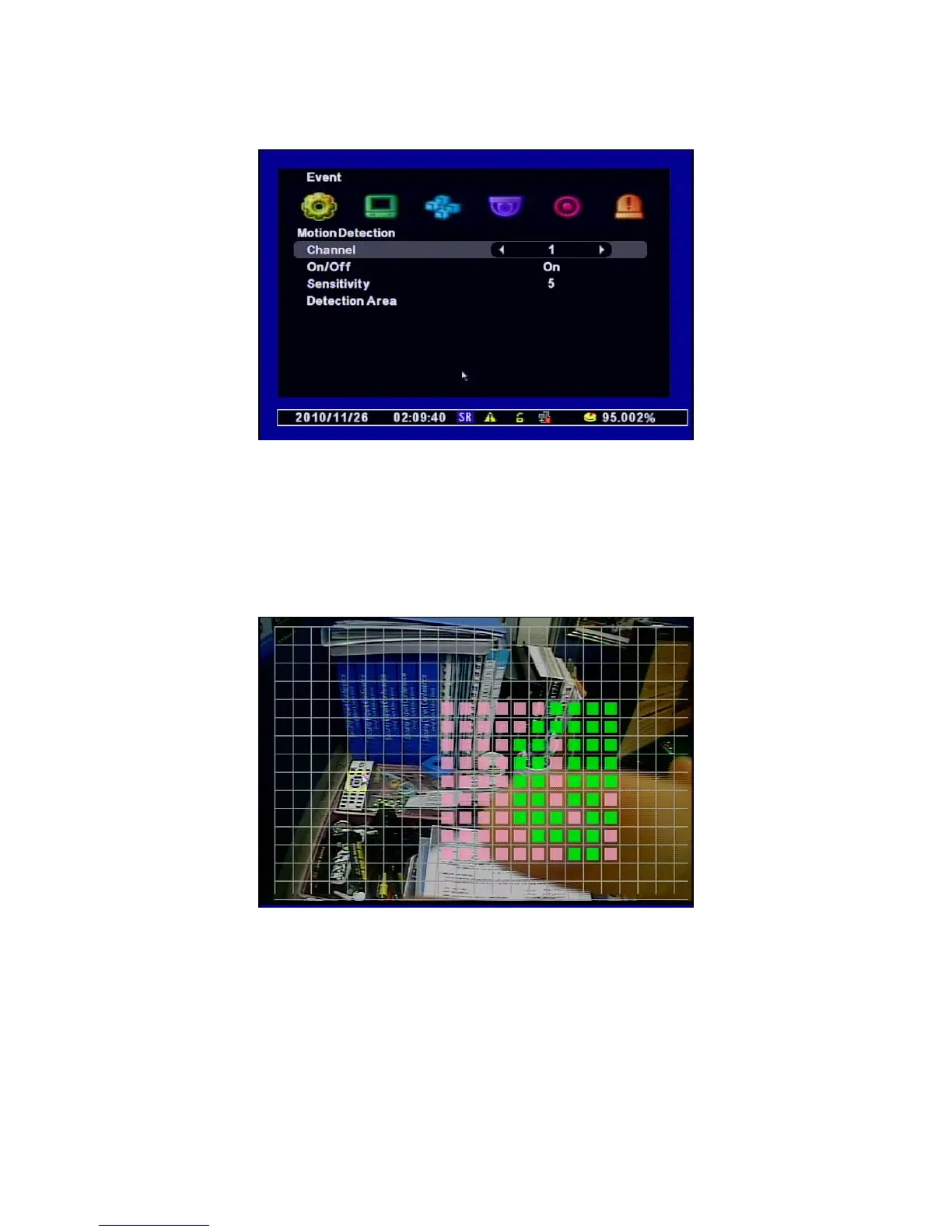
[1] Channel : Selects the Channel to use Motion Detection.
[2] On/Off : Selects the Motion Detection Use.
[3] Sensitivity : Selects the Sensitivity of Motion Detection.
Use the Value after testing this Sensitivity in advance before saving it.
[4] Detection Area : Sets the Motion Detection Area.
Use the direction keys to set the areas and press “Enter” button.
• MD selected area : Pink Color
• MD non-selected area : No color
• If the motion is detected, the area is with green.



 To Next Page