44
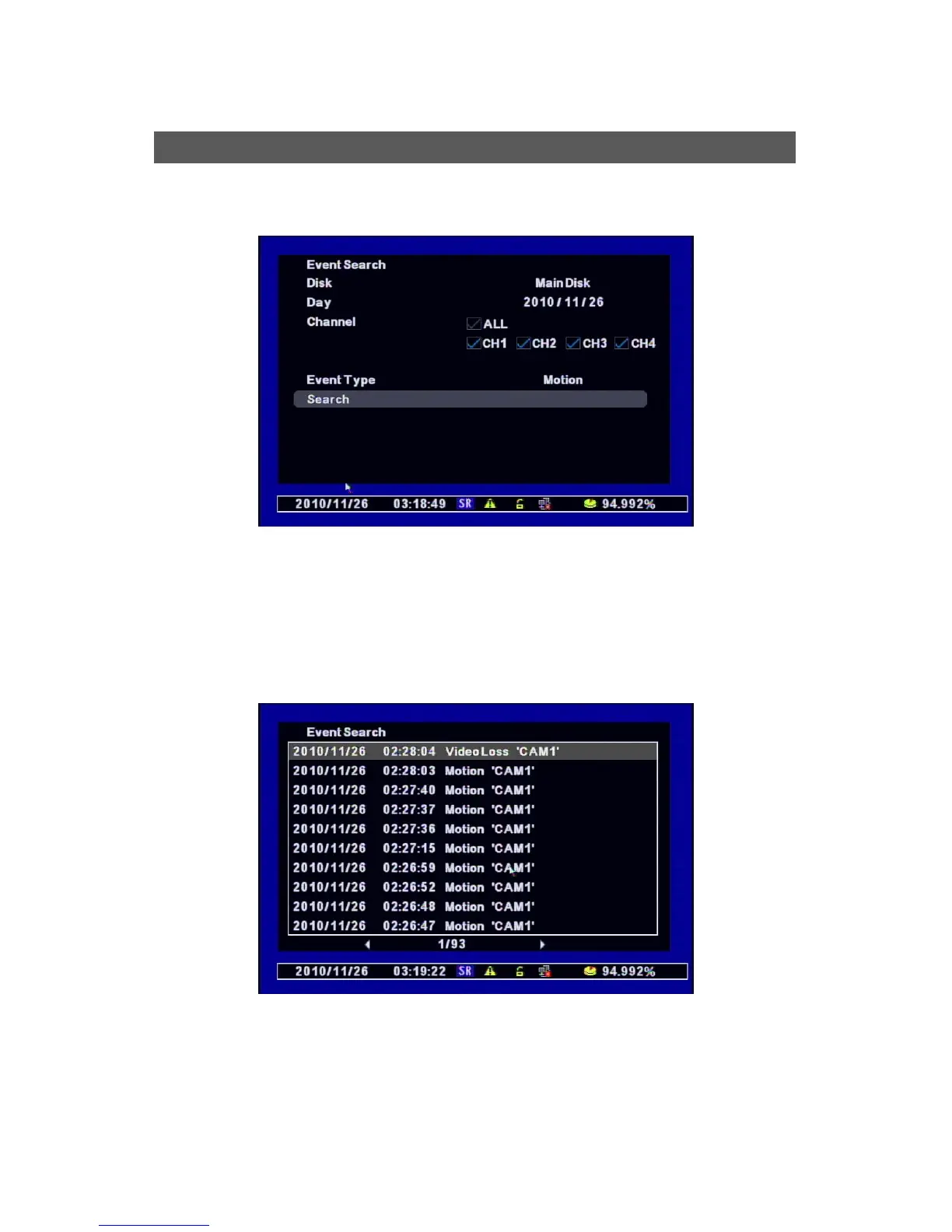
It searches the Event in the selected date.
[1] Selects the disk to search.
[2] Day : Selects the day to search,.
[3] Channel : Selects the channel to search.
[4] Event Type : Selects the type of Event to search. (MD/Sensor/Video Loss/System/All)
[5] Search : Clicks ‘Search” if you finish selecting the above options to search.
[6] It shows the list of the Event you selected and then choose one of them to play.
Event Search



 To Next Page