10
3. SYSTEM OPERATION
The MENU can be operated by pressing the Front Menu Button or using the Remote Control.
☞ Using Front Buttons
1) Press the “MENU” Button.
2) Use the Direction Keys and to selece the MENU and “MENU” Button for “ESC”
☞ Using Remote Control
- Press “SETUP” Button .
☞ Using Mouse
1) Right-click any area of the screen and the MENU will pop up.
2) Left-click to enter the MENU.
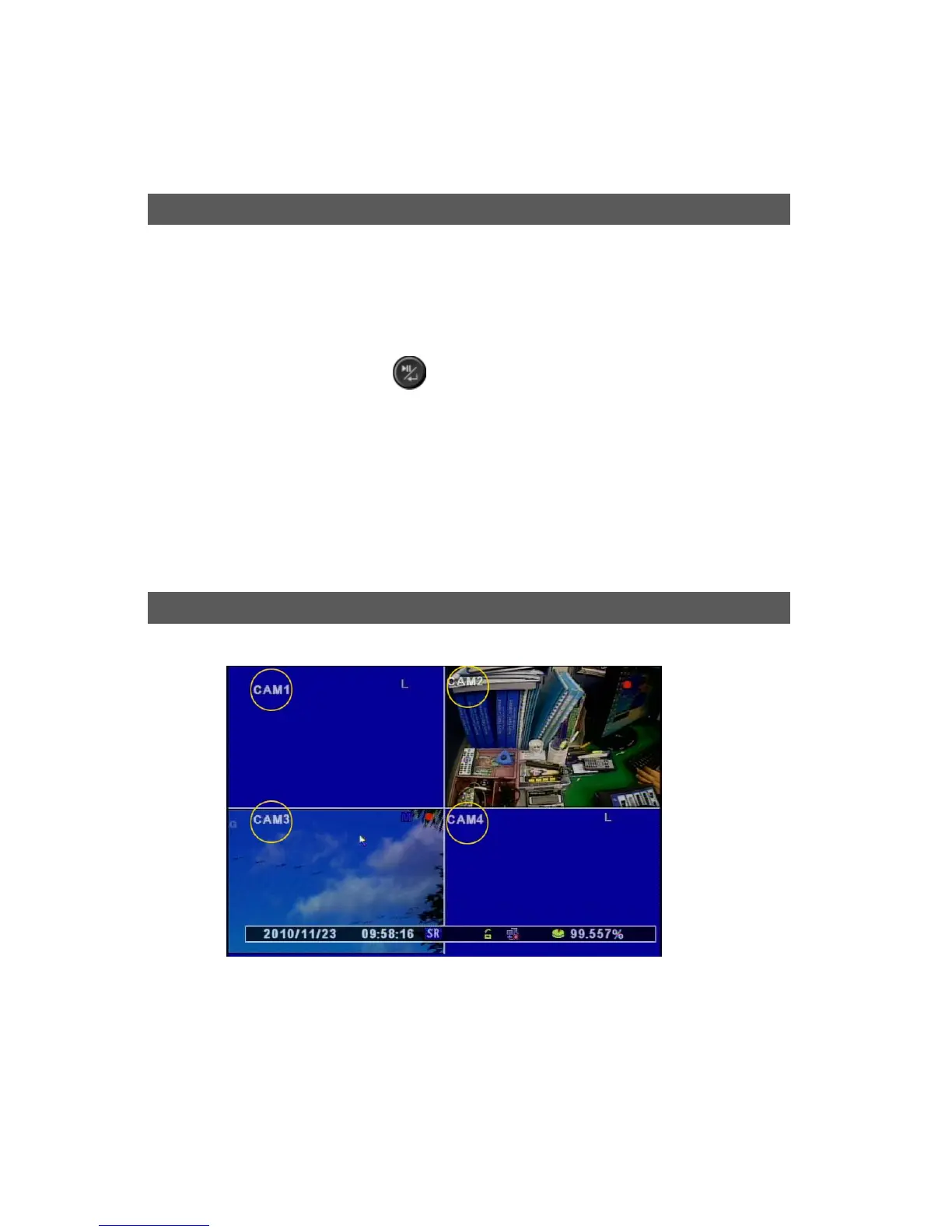
[1] The Icons indicate the Status in Live Mode.
[2] CAM ID : Camera ID will be shown same as the below picture.
Icons
Menu Setu



 To Next Page