27
[1] Channel : Selects the channel you want to connect.
[2] ON/OFF : ON : Use PTZ / OFF : Do not use PTZ.(Default : On)
[3] MODEL : Selects the Model Name or its Protocol. (Defalut : D-Max Protocol)
[4] ID : Selects its ID (Range : 0~255 / refer to the manul for each brand you use.)
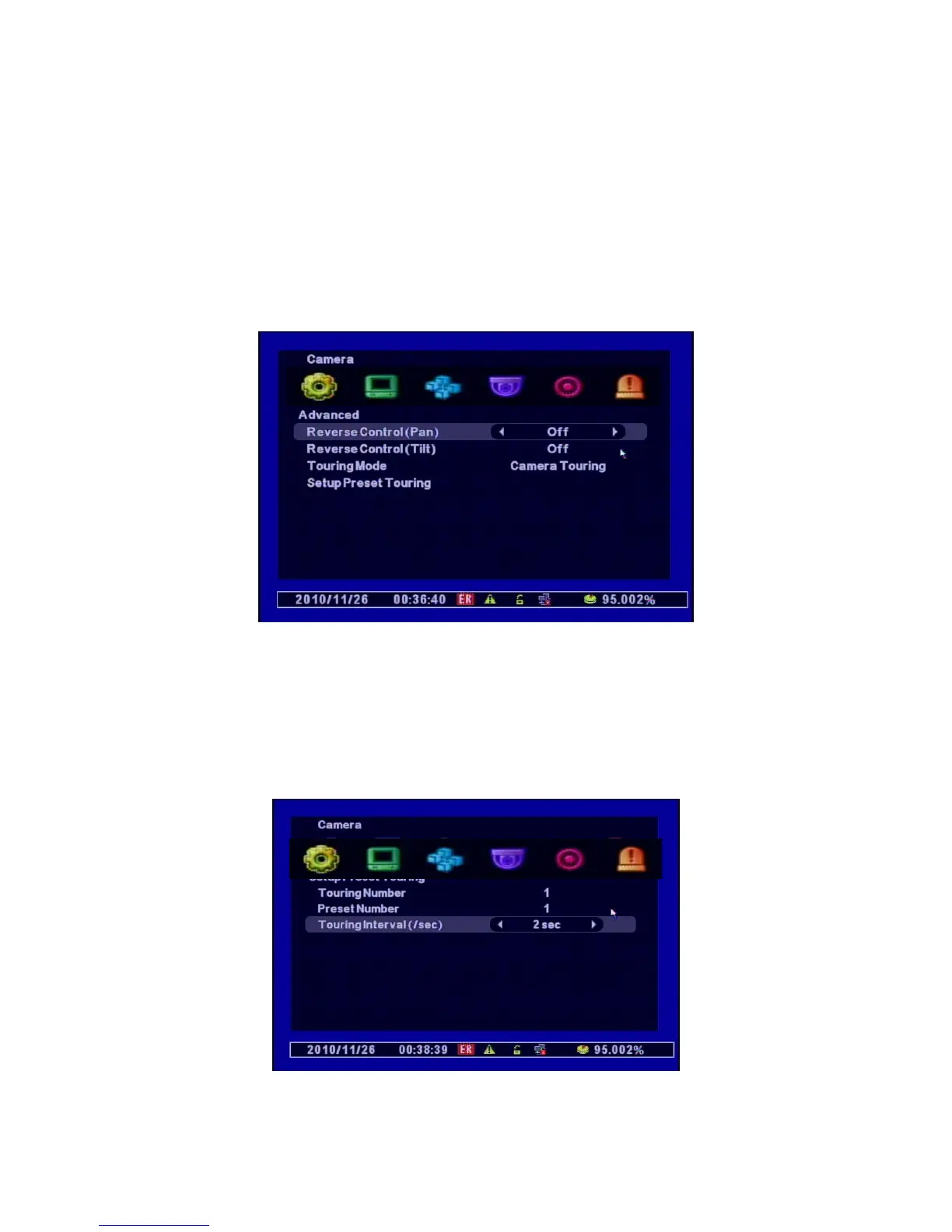
Advanced
Advanced Menu is available only for the models which have detailed PTZ Setup menus.
[1] Reverse Control(Pan) : Set the direction of its working reversely. (Left, Right)
[2] Reverse Control(Tilt) : Set the direction of its working reversely (Up, Down)
[3] Touring Mode
• Preset Touring : Selects when you control it through the DVR.
[4] Preset Touring Setup



 To Next Page