18
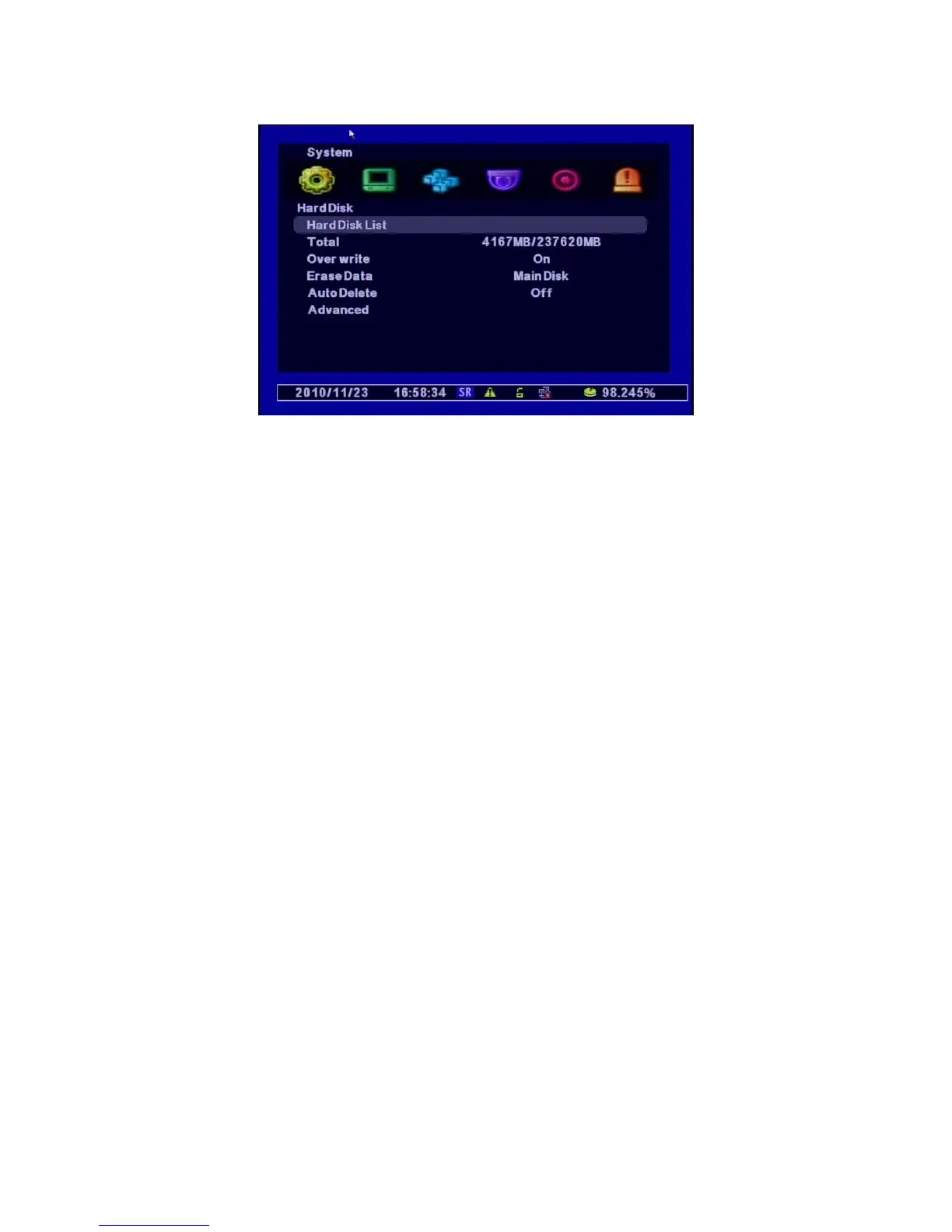
[1] Hard Disk List : shows the HDD information including External Disks and supports Format.
ㅇ Hard Disk1 : the Capacity of Hard Disk Drive
ㅇ USB1 : the Capacity of external USB1 connected
ㅇ USB2 : the Capacity of external USB2 connected
ㅇ Erase Data : Selects and format the Disk you choose
[2] Total : Displays the capacity of HDD ( Total Size / Used Size)
[3] Erase Data : Formats the datas for selected disks
ㅇ Main Disk : Deletes the datas in Main Disk.
ㅇ Mirror Disk : Deletes the datas in Mirror Disk.
[4] Auto Delete : Keeps the recorded Datas in HDD only for specified period (Range : 1~120 days).
The datas before this perioed will be deleted automatically.
[5] Advanced : Selects the Hard Disk to “Main Disk” or “Mirror Disk”. After choosing one of them,
press “Apply” to save this option.



 To Next Page