13
Operation – On Screen Display
The following displays can only be seen when a monitor is connected.
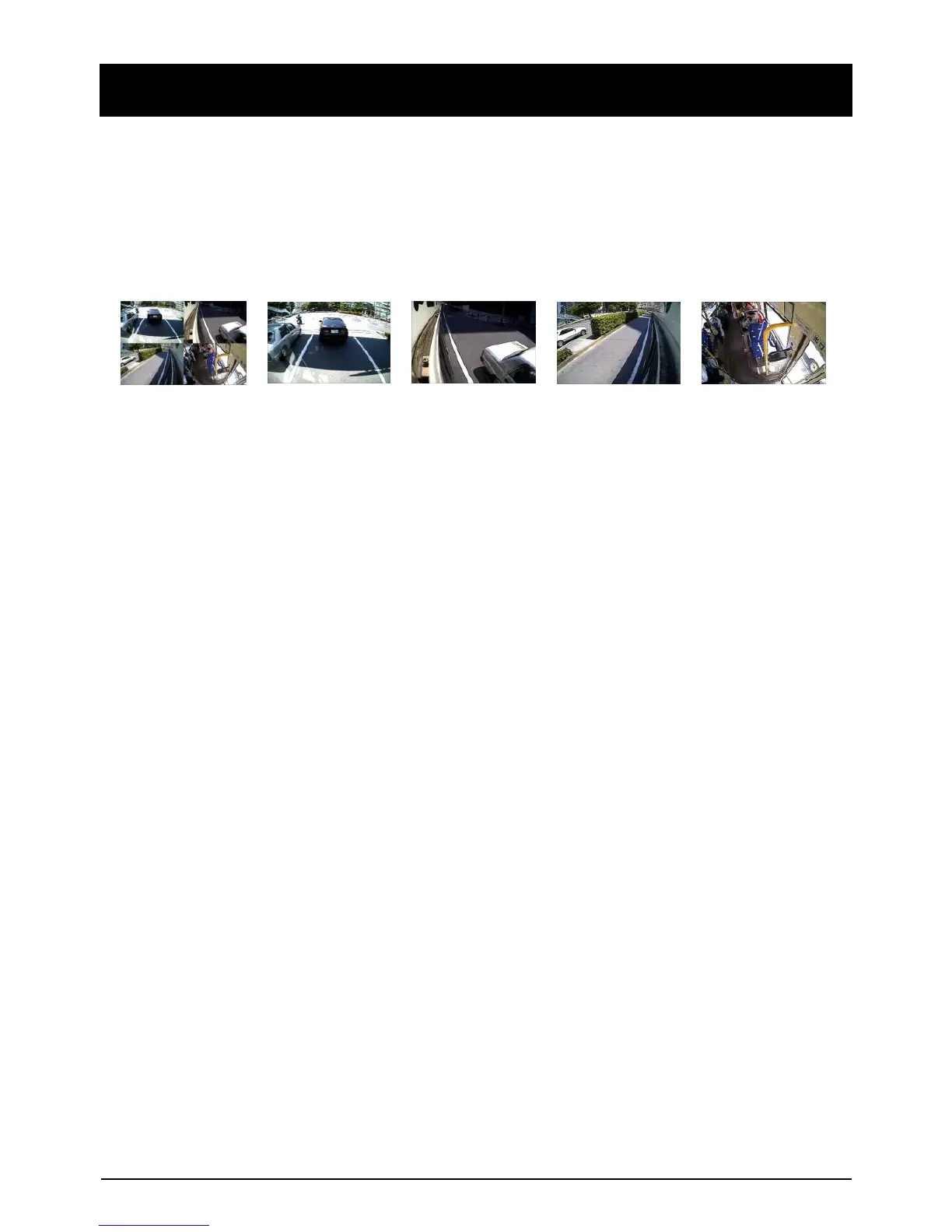
The default display is 2*2 with all cameras shown, to change, press [M2] button to
select which camera to view. Each press will change the camera on display with
the last option being all camera views.
4Cameras(2x2) => Camera1 => Camera2 => Camera3 => Camera4


 To Next Page