36
TRACKING MAP
“Tracking Map” icon
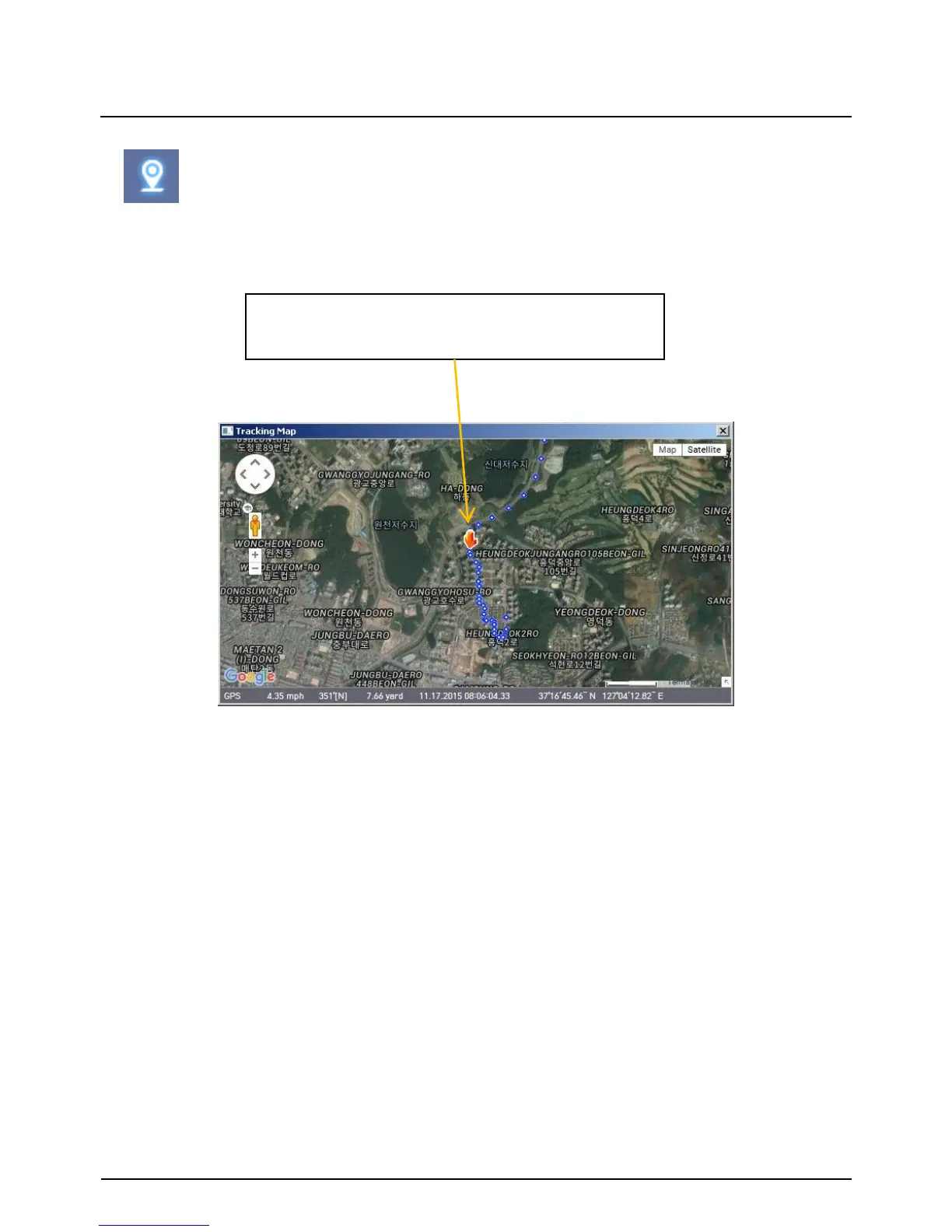
The route taken will be displayed on the Google map.
The blue markings show the route taken.
To see the route and position on the Google map, the GPS data should be recorded
with video.
To see the map, the PC should be connected to the internet.
The playback position will be shown on the
map with the orange arrow.


 To Next Page