32
OPEN FILES
If you want to play a specific file that has been backed up on the PC or SD Card,
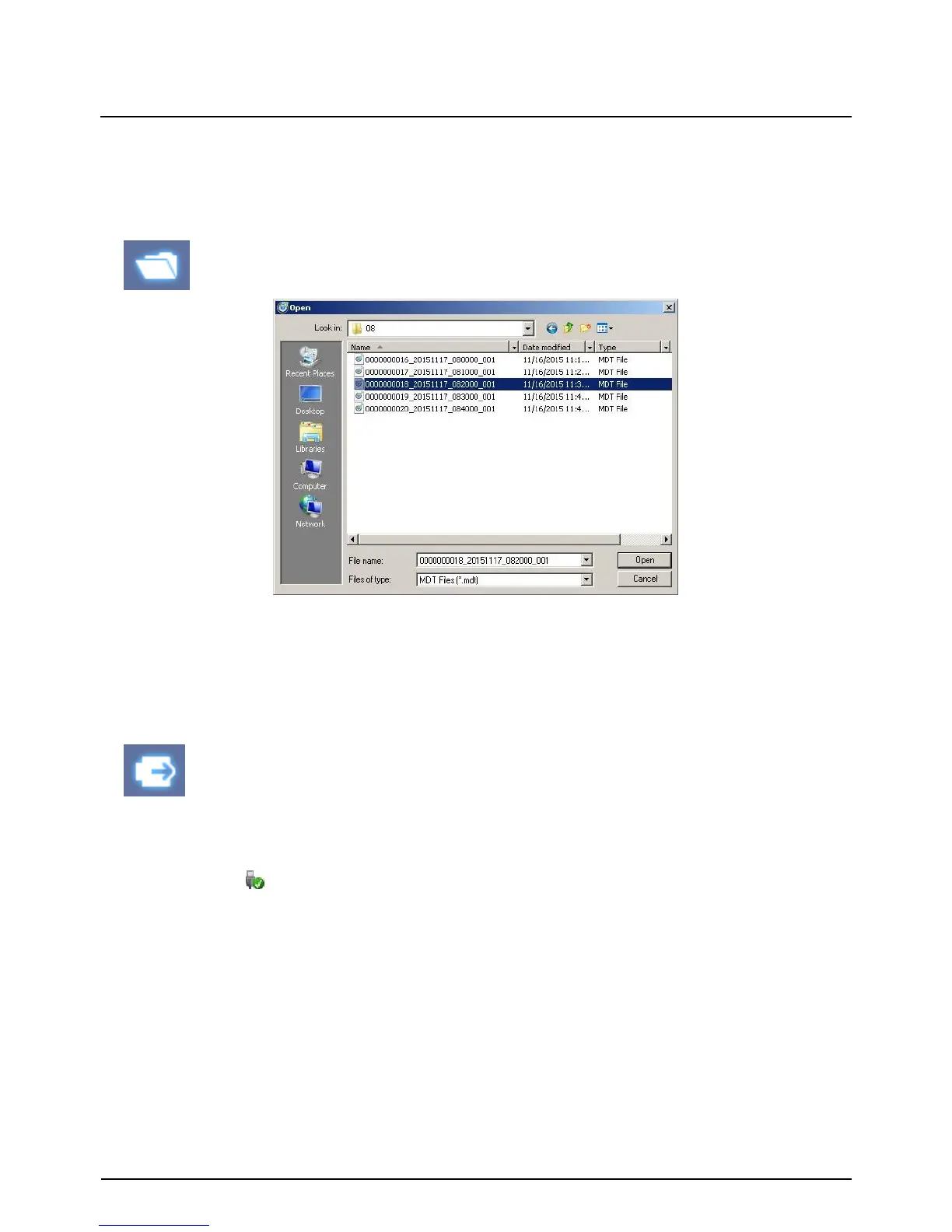
Click the “Open files” icon
“Open files” icon
Select the MDT file you want to play and click “Open”.
The image of the selected file will then be displayed and you can click the “Play”
button to play the file.
When finished, click “Eject SD Card” icon and remove the SD card from your PC.
Or please use “Safely Remove Hardware and Eject Media” button in your PC.
“Eject SD Card” icon


 To Next Page