18
SOFTWARE INSTALLATION
1. Double click [setup.exe]
2. Select the language
3. Select destination location
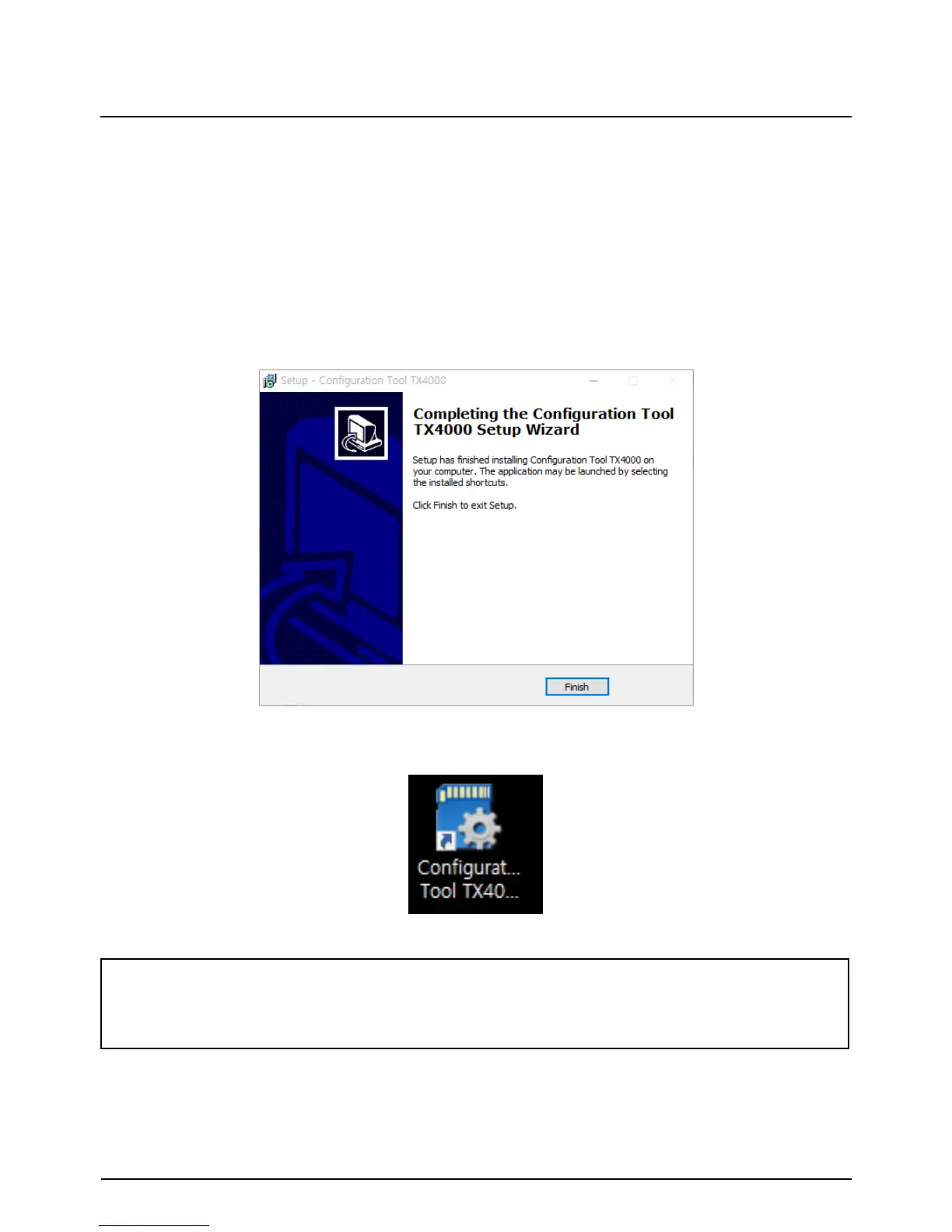
4. Select Start Menu Folder then follow the dialog box prompts.
5. The “Configuration Tool TX4000” icon will be displayed on your desktop.
NOTE: To Un-install the Configuration Tool TX4000 Software
Make sure the program is not running and open the ‘Control Panel’
Select ‘Remove Program’ and remove the Configuration Tool TX4000 Software.
Please ask the Configuration Tool TX4000 Software to your distributor.


 To Next Page