45
APPENDIX (Upgrade)
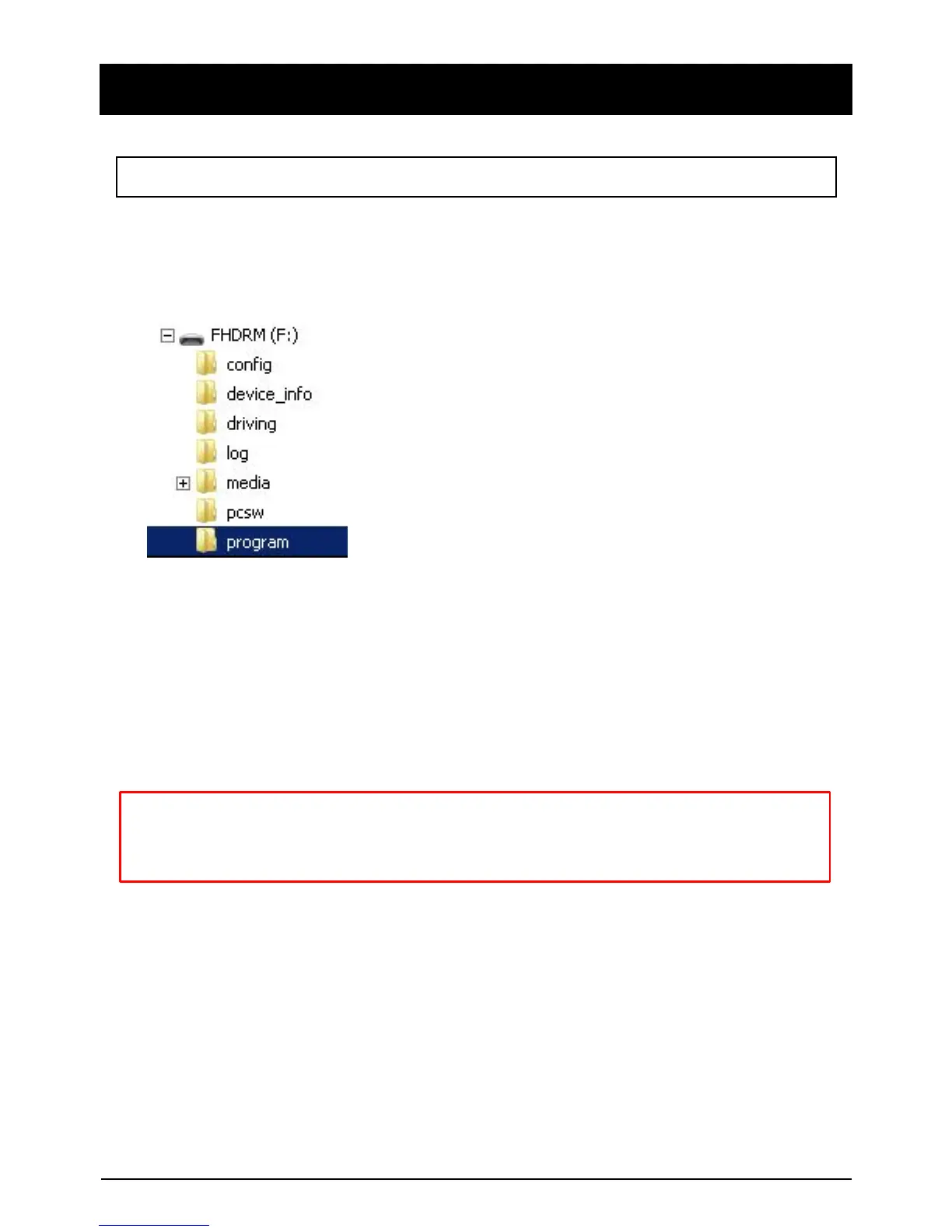
Make a folder called [program] on the SD root folder as shown below,
Copy “XXXXXX_x.x.x.img” file to the SD card [program] folder.
1. Prepare Firmware
2. Upgrade TX4000
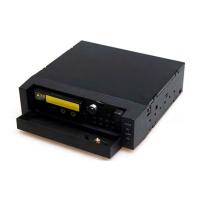
Insert the prepared SD card to TX4000 unit and turn on the
power.
The Blue & Red LED will blink while the unit is upgrading. It will also
‘beep’ continuously. Upgrading the unit usually takes about 30 seconds.
Warning: Do not turn off the power during upgrading.
If the upgrade fails, the TX4000 unit should be returned
to your local distributor.
Once the upgrading is finished, the unit will automatically turn off and on the power.
NOTE: To get the upgrade firmware, please contact your local distributor.


 To Next Page