29
SOFTWARE INSTALLATION
1. Connect the SD card into your PC (if your computer does not have and
SD card slot use the USB SD card reader) and open the “My Computer”
2. Right-click the “FHDRM” drive and select [Open]
3. Double click [setup.exe] in the [pcsw] folder.
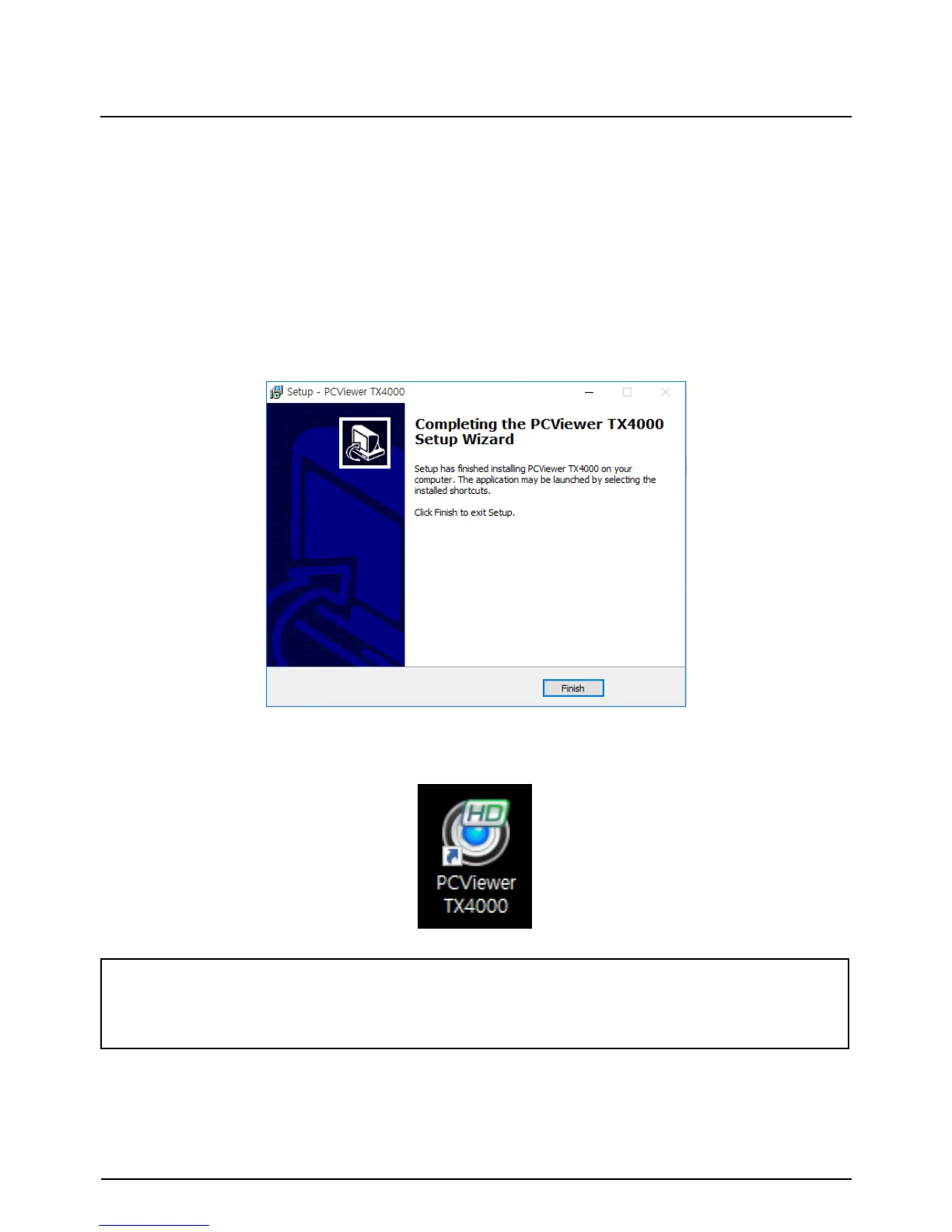
4. Select the language and then follow the dialog box prompts.
5. The “PC Viewer TX4000” icon will be displayed on your desktop.
NOTE: To Un-install the PC Viewer Software
Make sure the program is not running and open the ‘Control Panel’
Select ‘Remove Program’ and remove the PC Viewer Software.
The PC Viewer Software is on the provided SD card. (Also available on our
website.)


 To Next Page