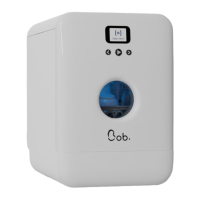
Bob OS is the operating system developed by Daan tech. Its colourful interface allows you
to easily navigate through the different menus.
Bob OS also allows you to connect Bob to the Internet via Wi-Fi, allowing for future evolutions
which will be accessible through updates enabling new features.
4 | getting started
When you turn Bob on for the first time, you need to
configure it.
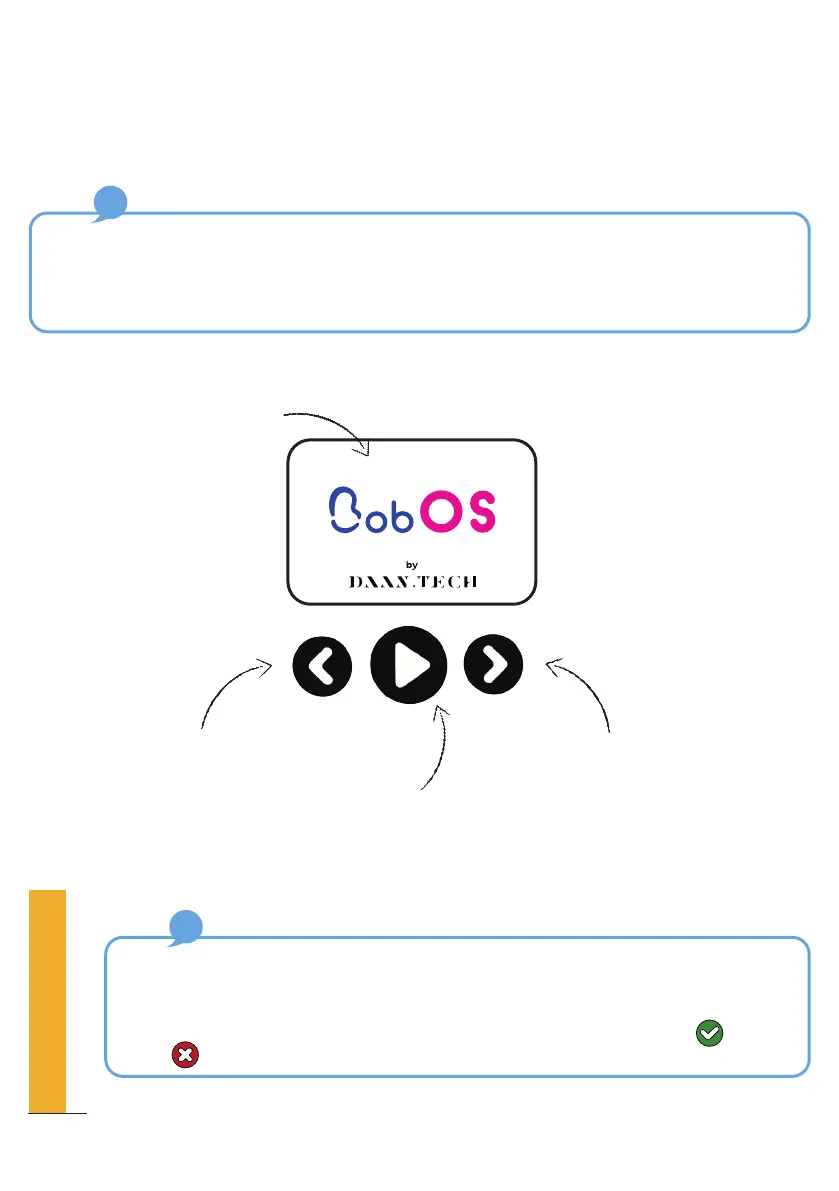
2.4” colour LCD display
Switch left
Central button (OK)
Switch right
How to choose an option?
To select an option, scroll from left to right until the icon indicating the desired option
appears and press the central button to choose it.
A confirmation message appears, which you can either confirm using or reject
using . The latter also redirects you to the previous screen.
10
QUICK SET-UP GUIDE



 To Next Page