3.3 | Creating and deleting a custom
program
Before creating your own program:
When creating your own program, you have different options to fine-tune 3
parameters:
y The program duration (not including drying)
y The maximum temperature during the program
y The icon for your custom progra
For instance, you can create a custom program at 60°C for special dishes.
If you have particularly fragile dishes, you should prefer a longer duration of
about 90 minutes but a lower temperature (e.g. 50°C)
If 20 minutes does not seem sufficient for you, you might add some additional
time.
It’s up to you to create the most adapted program for your dishes!
You can create up to 4 custom programs Once the limit is reached, you must delete
a program (on the screen Settings > Delete cycle) to create a new one.
Daan Tech does not commit to the washing performance of a custom program.
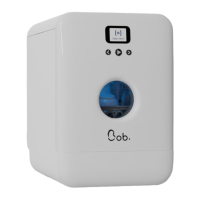
Bob allows you to create your own program to adapt to
your personal needs and to optimise the washing of your
dishes.
Rename a custom program
If Bob is connected to Wi-Fi and paired to your Daan Tech account, you
can change the name of your custom programs from the “Manage my
Bob” tab.
44
QUICK UTILIZATION GUIDE



 To Next Page