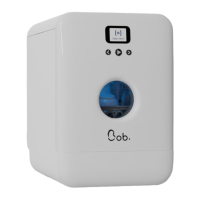
1.3 | Settings
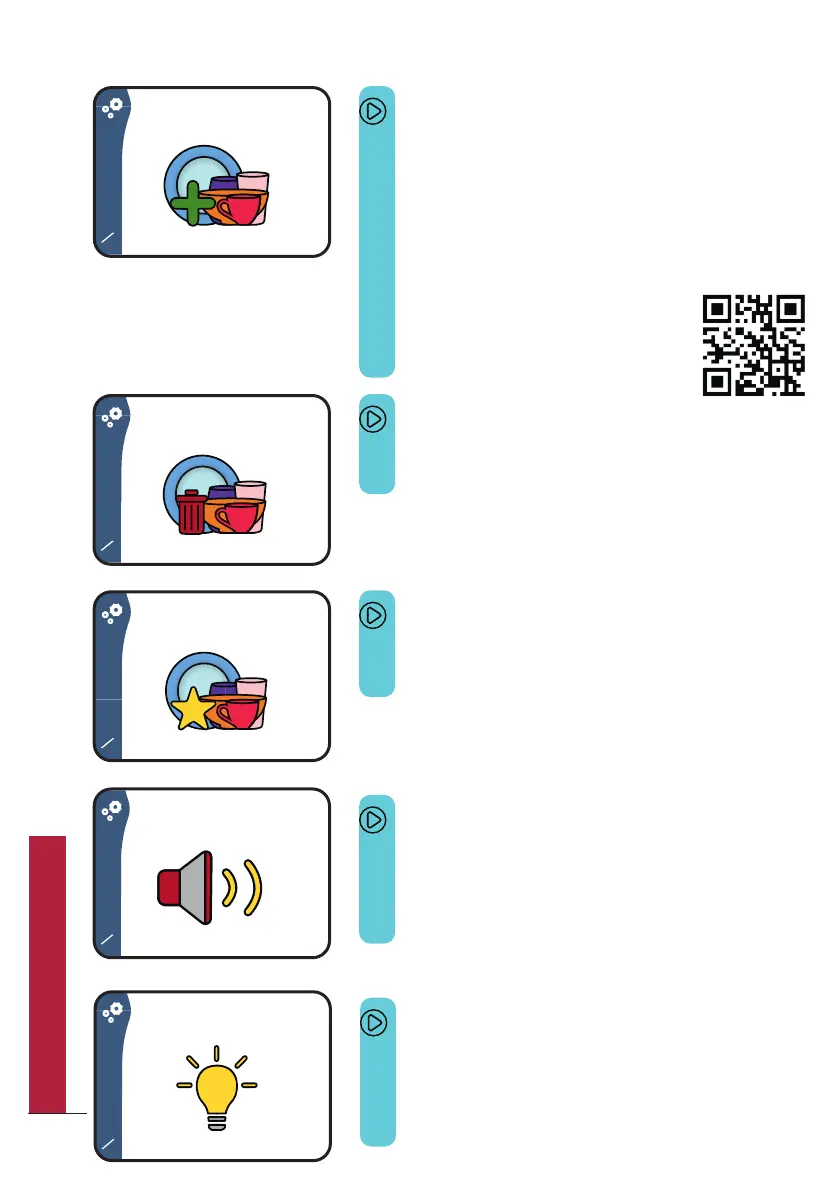
Screen 1/14
This screen allows you to create a new cycle,
including duration, temperature and a
custom icon.
You can create up to 4 custom programs.
To learn more, please either refer to page 44
or to our website.
Screen 2/14
This screen allows you to delete a cycle.
Screen 3/14
This screen allows you to choose your
favourite cycle as your start screen.
Please scan the QR code to check it out
on our website.
Screen 4/14
This screen allows you to choose a custom
sound effect (only available with Bob+)
To learn more, please refer to page 56.
Screen 5/14
This screen allows you to choose the degree
of lighting (only available with Bob+)
To learn more, please refer to page 56.
24
QUICK UTILIZATION GUIDE



 To Next Page