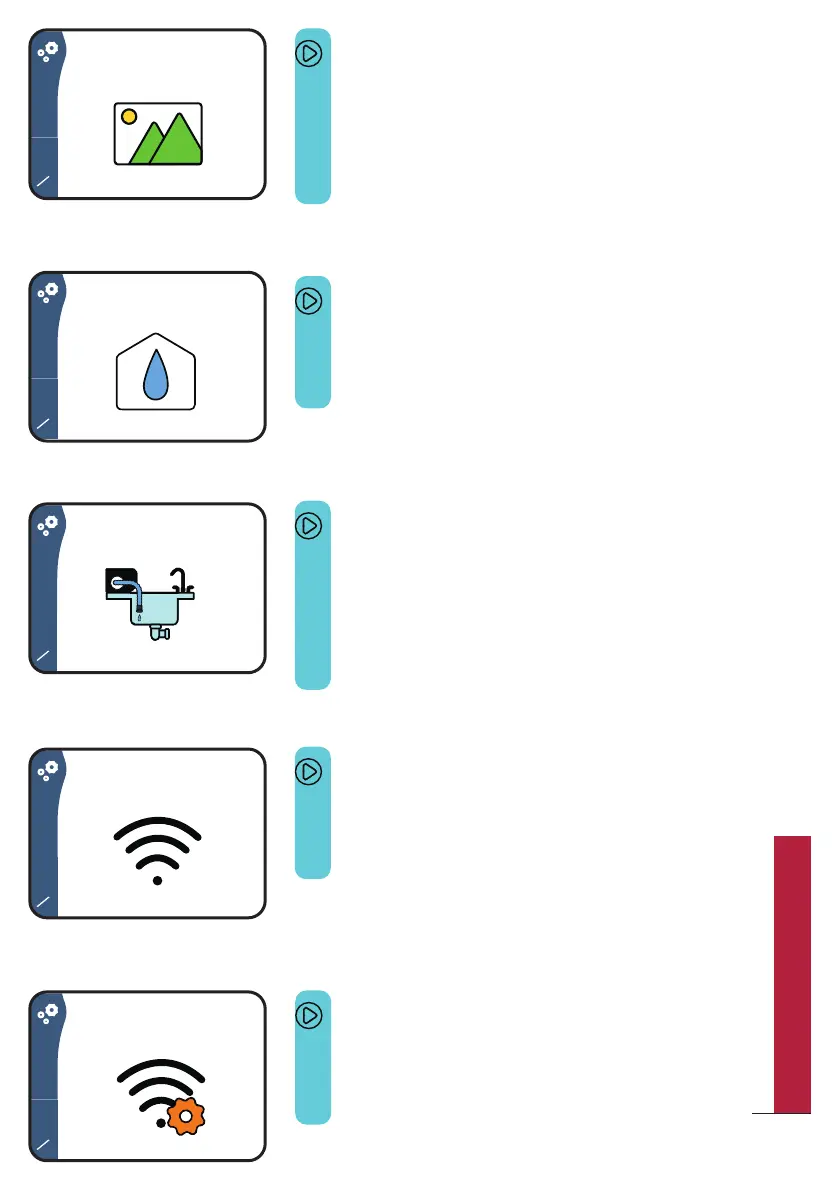
Screen 6/14
This screen allows you to add a customized image
when starting Bob or when Bob is running.
This feature is available only with Bob+
To learn more, please refer to page 55.
Screen 7/14
This screen allows you to choose your water supply
mode (water inlet or water tank). To learn more,
please refer to page 5.
Screen 8/14
This screen allows you to fully drain Bob (main
interior, water tank and pipes).
Please always mind draining Bob when you do not
use it for a long time or when the temperature is
likely to go below 0°C.
Screen 9/14
This screen allows you to pair Bob with you
Daan Tech account. To learn more, please
refer to page 52.
Screen 10/14
This screen allows you to change the Wi-Fi
settings. For instance, if you move to a new
place or change your internet provider.
25
QUICK UTILIZATION GUIDE



 To Next Page