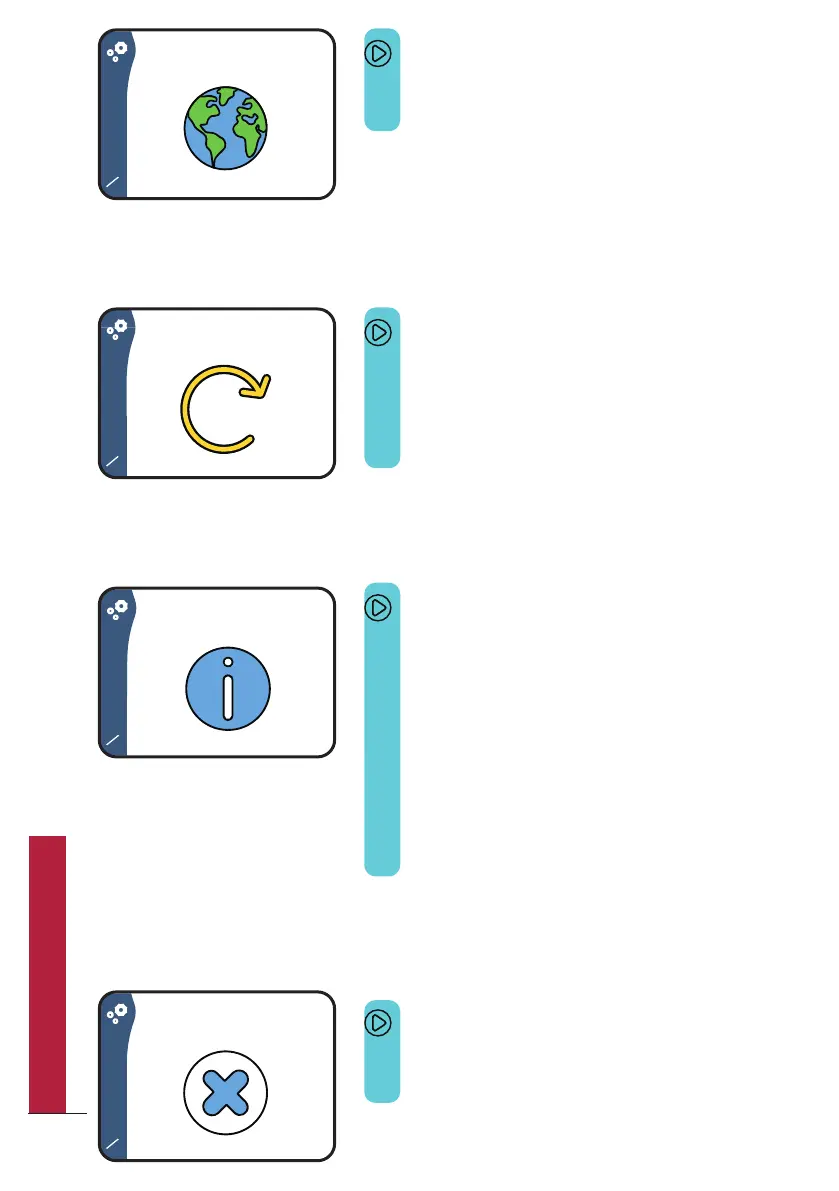
Screen 12/14
This screen allows you to reset Bob to factory
settings and delete all saved data.
Warning: deleting data cannot be undone.
Screen 14/14
This screen allows you to close the settings
menu and go back to the home screen.
Screen 11/14
This screen allows you to change the
interface’s language.
Screen 13/14
Within this menu, you can:
y See how much water you have saved using
Bob.
y Display the Bob OS version installed on
your Bob: Bob OS. The MAC address of
your device (required for pairing Bob with
your Daan Tech account)
y Display a QR code for reading the latest
user manual version in PDF format.
26
QUICK UTILIZATION GUIDE



 To Next Page