11
Station names
◆ The video’s automatic tuning system usually gets the best results. In poor reception areas, fine tuning may
improve reception. Choose the station and tune it in using the and buttons. Use the number buttons on
the remote control to enter the programme number you want to store the station on.
If your video is showing no station name or is showing a station name incorrectly, you can change this.
When your video is in certain AV modes you cannot use ‘PR Preset’. Press AV until P-
--
is displayed on the
front of the video.
Press MENU.
Choose ‘PR Preset’ by pressing PR- then OK.
Choose ‘Manual Set’ by pressing PR- then OK.
Move to the details you want to correct by pressing PR+ or PR-
then OK.
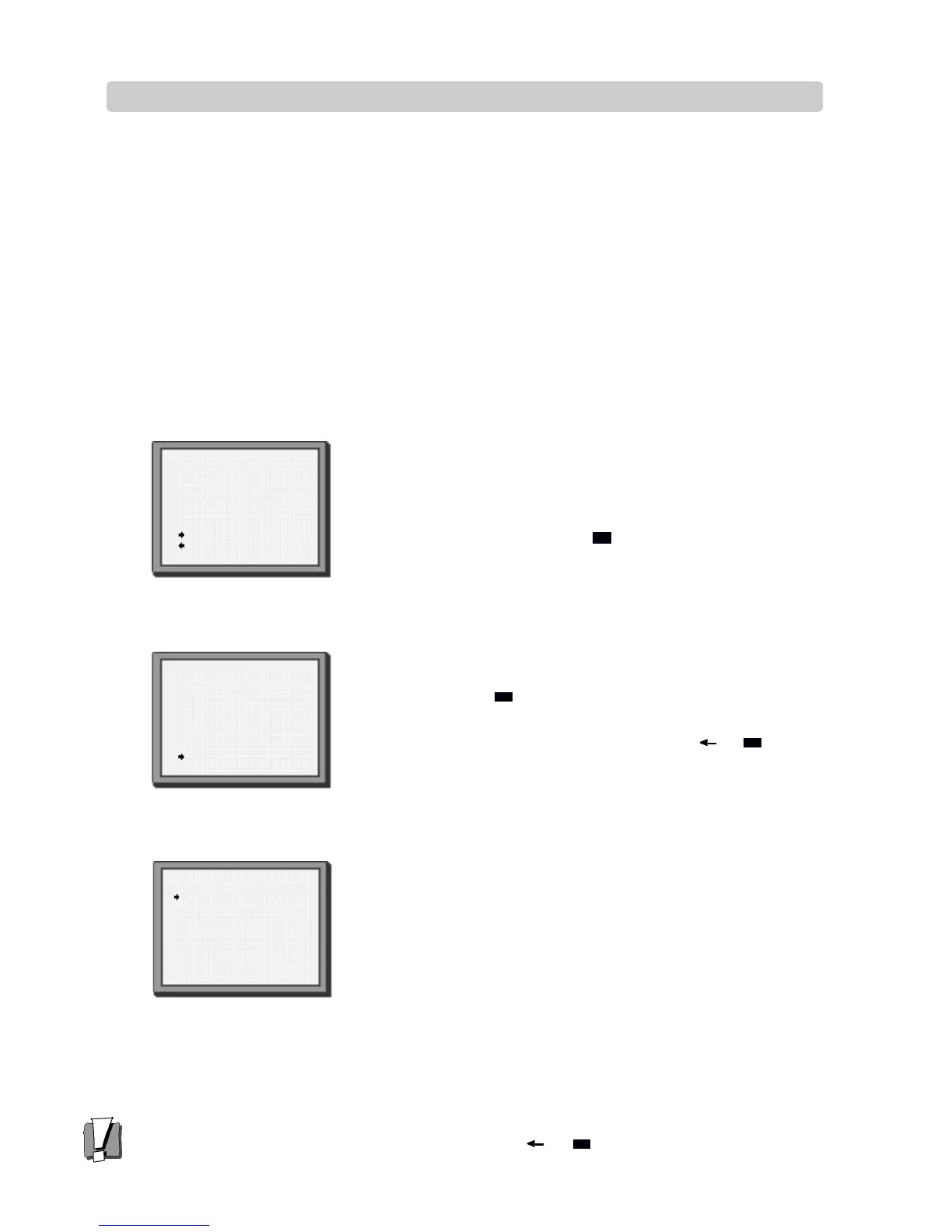
Select ‘name correct’ by pressing .
MANUAL SET
PR+/-:search up/down
:name correct
:PR view
OK:confirm MENU:end
PR29 P-29
Use PR+ or PR- to select the name from the stored list or select
‘name create’ again and enter a four-digit name.
To enter a four-digit name, change the letters with the PR+ or
PR- buttons, or move to the next letter with the or
buttons.
MANUAL SET
PR+/-:name change
:name correct
OK:confirm MENU:end
PR01 E-01
Press OK to confirm and
MENU to end.
MANUAL SET
PR01 BBC1 PRO8SKYS
PR02 BBC2 PRO9 MTVE
PR03 ITV PR10 P-10
PR04 CHA4 PR11 P-11
PR05 SKY1 PR12 ----
PRO6 SKYN PR13 ----
PRO7 SKYM PR14 ----
PR+/-:select
OK:confirm MENU:end
1
2
3
4


 To Next Page