8
Tuning your video recorder to the television
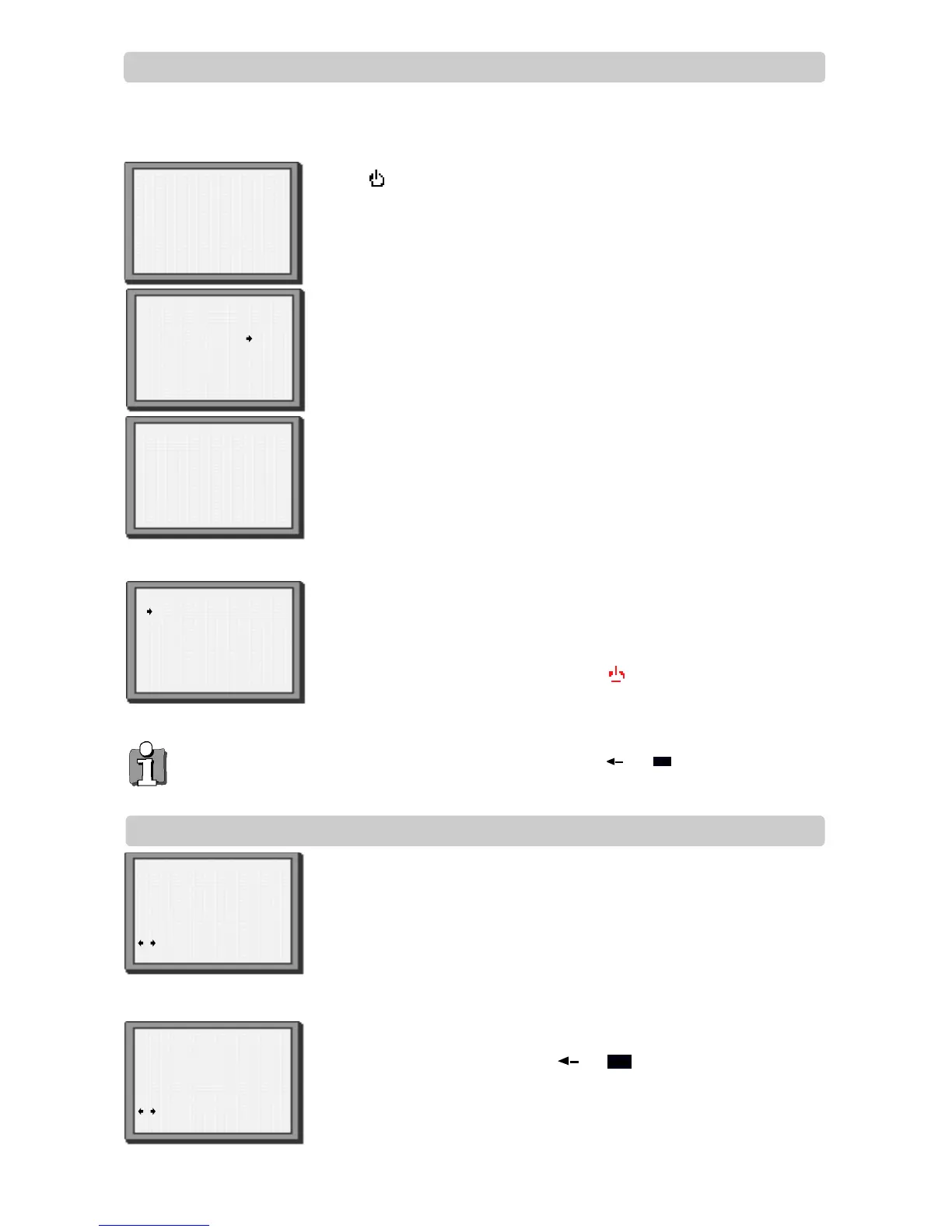
Press on your remote control.
If you do not see this picture, check that the video is connected
properly.
Press OK for ‘Auto Set’ or ‘AutoSearch’.
Unless you are living in an area with poor reception,’Auto Set’ or ‘Auto Search’
tunes in all the stations you can receive in your country and sorts them in a common
order, for example, BBC1 on programme 1, BBC2 on programme 2 and so on.
See page 11 and page 12 if you need to change any of the automatic settings. You
should finish stage 4 before you go to page 11 or page 12.
The clock is also set automatically. If the clock has not been set, the clock setting
screen will appear.
Please see ‘Setting time and date’ below.
If you want to change the station names, see page 11.
If you want to change the programme locations see page 12. You need to change
programme locations if the stations are not in order, for example, BBC1 on
programme 1, BBC2 on programme 2 and so on.
Press MENU to end.
Important: If you switch the video off at the mains supply overnight, you do
not have to retune the video. Simply press and then MENU on the
remote control to restore all the programme settings. See below to set the
time and date.
Setting time and date
If the ‘CLOCK SET’ display is not already on the screen press MENU.
Choose ‘VCR SET UP’ by pressing PR- twice, then press OK.
Choose ‘CLOCK SET’ by pressing OK.
Once the ‘CLOCK SET’ display is on the screen, move to the position
you want to change by pressing or .
Use the number buttons 0 to 9 on the remote control to enter the
correct time and date.
Press OK to confirm the settings, and press MENU to end.
Auto Set or Search!
OK:confirm MENU:end
AUTO SET or SEARCH
MENU:end
PR03
UHF ------------ ----
76%
setting
Please wait...
MANUAL SET
PR01 P-01 PRO6 P-06
PR02 P-02 PRO7 P-07
PR03 P-03 PRO8 P-08
PR04 P-04 PRO9 P-09
PR05 P-05 PR1O ----
PR+/-:select
OK:confirm MENU:end
AUTO SET or SEARCH
CLOCK SET
0-9:setup(hour)
/ :correct
OK:confirm MENU:end
Time 11:41
Date 20/09/1999(MON)
CLOCK SET
0-9:setup(minute)
/ :correct
OK:confirm MENU:end
Time 11:41
Date 20/09/1999(MON)
◆ The video’s automatic tuning system usually gets the best results. In poor reception areas, fine tuning
may improve reception. Choose the station and tune it in using the and buttons. Use the number
buttons on the remote control to enter the programme number you want to store the station on.
‘Autoset’ only will appear on your screen if your video has this function.
‘Autosearch’ only will appear on your screen if your video has this function.
1
2
3
1
2
3
4


 To Next Page