26
S-VHS quasi playback (SQPB)
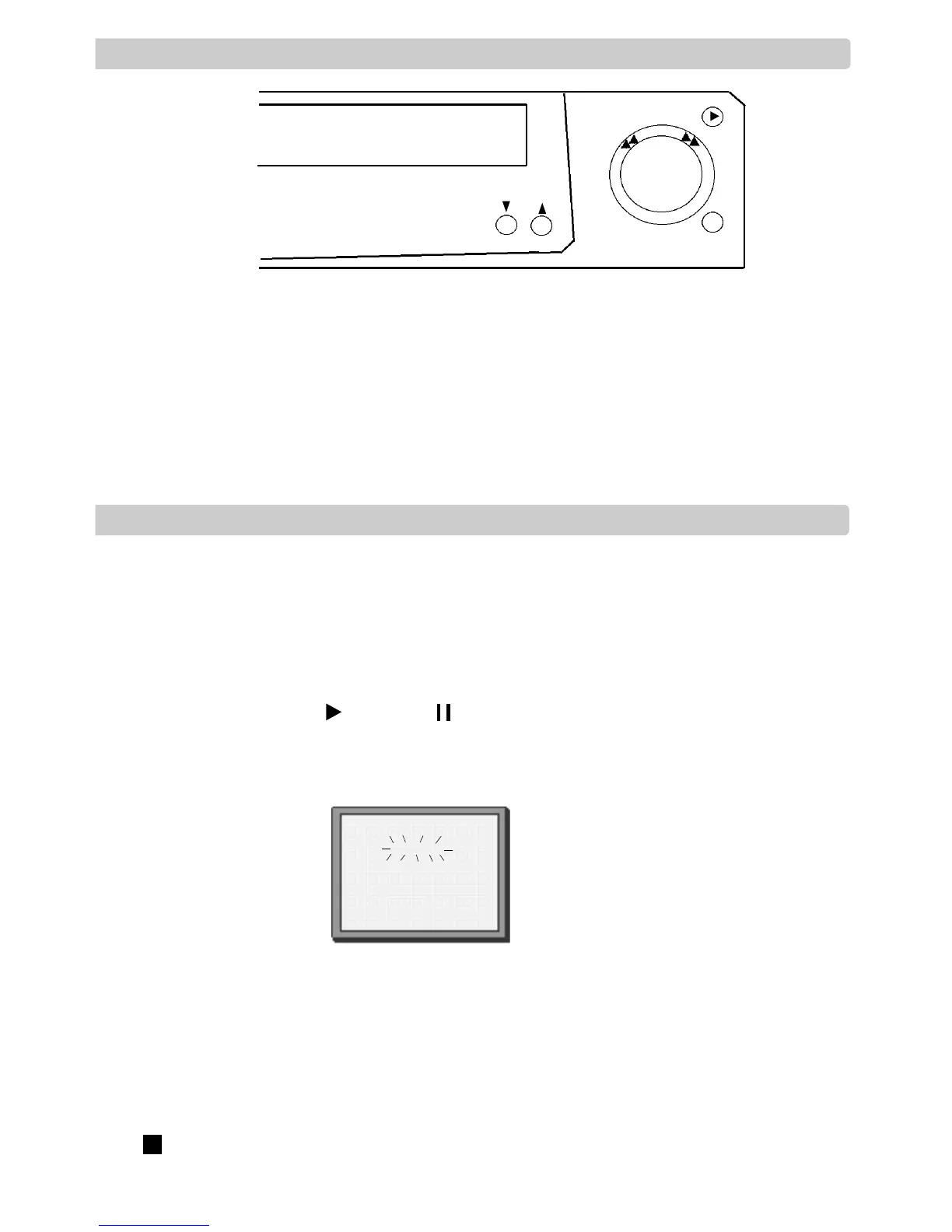
This function is available on all models with the power-drive shuttle knob on the front display.
See the diagram above
This function allows you to play S-VHS cassettes. This also includes S-VHS video camera
ecordings.
S-VHS recordings have improved picture quality. With this video, you cannot record onto S-VHS
cassettes.
Audio dubbing (A.D.)
Audio dubbing allows you to record sound over another non hi-fi recording. This is known as
dubbing.
It is only available on hi-fi models with a power-drive shuttle knob on the front display.
1 Connect a sound source into one of the the front audio AV input on the front display.
2 Insert a tape. Press and then (Pause) where you want the dubbing to begin.
3 Press A.D. to start the dubbing.
4 Press OK and then start the sound source to begin the audio dubbing.
The A/V input is automatically changed to F.AV to receive the sound source.
The dubbing sound is recorded on normal track, the original sound remains on hi-fi track.
During playback, if you want to hear the sound source recording, press A.SEL until ‘HIFI OFF’
appears on the screen.
Press to finish dubbing. The video A/V input will stay on F.AV.
Press AV to end F.AV.


 To Next Page