21
Timer review – changing and erasing record settings
Press MENU.
Choose ‘Timer Program’ by pressing OK.
Select the programme you want to change or erase by pressing
PR+ or PR-.
Press OK to confirm.
TIMER PROGRAM
PR START END DATE
01 12:30 15:15 22/09
03 21:20 22:20 20/09
PR+/-:select
OK:confirm MENU:end
TIMER PROGRAM
PR START END DATE
01 12:30 15:15 22/09
03 21:20 22:20 20/09
PR+/-:select
OK:confirm MENU:end
TIMER PROGRAM(Once)
PR 03
Start Time 21:20
End Time 22:20
Start Date 20/09(SAT)
Tape Speed SP
PDC OFF
0 :erase
/ :correct MENU:end
Changing a setting
Select the details you want to change by pressing or .
Use the number buttons 0 to 9 to change the settings. Use
PR+ to select the AV channel, to change the tape speed
and to switch PDC on and off.
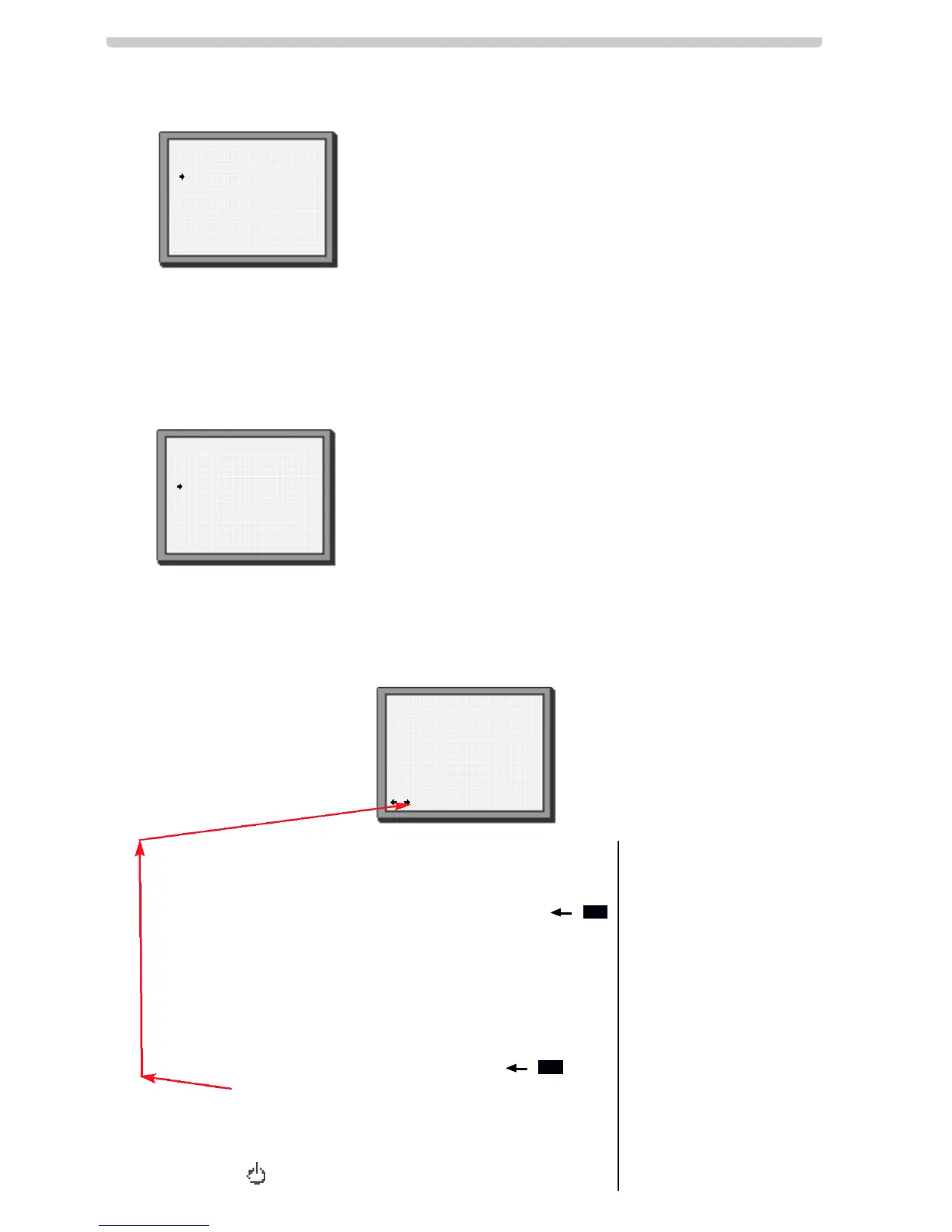
When you have made all the changes, press or until
you see ‘OK:confirm’ on the bottom line of the screen.
Press OK.
Remember to load a cassette and switch the video off
by pressing .
Erasing a
setting
Press the number 0.
Press OK to confirm.
Press MENU twice to
end.
1
2
3a
3b



 To Next Page