22
◆ The counter counts in real time from when you load the cassette. This does not have to be at
the beginning of the cassette. The counter does not count unrecorded parts of the cassette.
◆ If you rewind the cassette, the counter will count backwards, if you rewind beyond the zero
position, the counter counts in negative values for example, – 0:01:15).
2
3
1
4 5 6
7 8 9
0
SV/V+
TV/VCR
AV
A
Q.S
EJECT
MENUSP/LP PR
+
OK
PAL/SEC
A.SEL
PR
–
INDEX
–
+
A.D
30
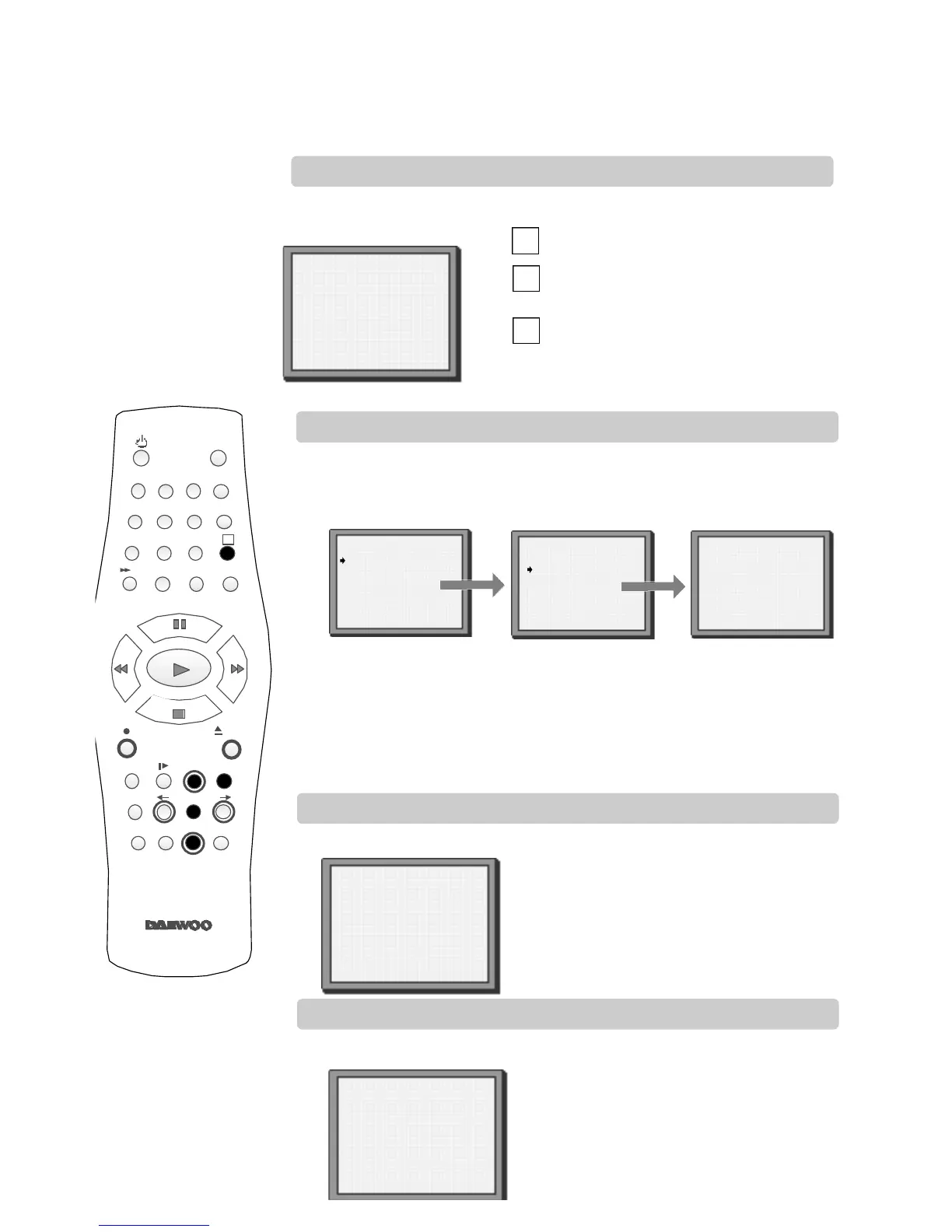
Clock and counter display
Remaining time and cassette length
Resetting the counter to zero
Finding the counter zero position
STOP SP PRO1 BBC1
S T E R E O O N
14:00 20/049 E-240 01:24
Press once to display the time and date.
Press twice to display the counter time and
how long is left to the end of the cassette.
Press three times to clear the screen.
Press MENU and choose ‘Tape Control’ by
pressing PR+ and then OK.
Choose ‘Counter Reset’ by pressing PR-
twice and then OK.
The video will reset the counter to zero.
Press MENU and choose ‘Tape Control’ by
pressing PR+ and then OK.
Choose ‘Go to Zero’ by pressing PR- and
then OK.
The video will wind to the position 0:00:00
and stop.
Choose ‘Tape Remain’ by pressing OK.
Press PR+ or PR- to select the length of your current cassette.
Press OK to confirm. The display will show how long is left to the end
of the cassette.
Press MENU and choose ‘Tape Control’ by pressing PR+ and then OK.
COUNTER RESET
0:00:00
REW SP
GO TO ZERO
0:02:13
TAPE CONTROL
PR+/-:select
OK:confirm MENU:end
Tape Remain
Go to Zero
Counter Reset
TAPE REMAIN
PR+/-:select
OK:confirm MENU:end
E-240 01:27
E-180
E-240
E-300
This display will only appear when there is a cassette in the video.
This display will only appear when there is a cassette in the video.
This display will only appear when there is a cassette in the video.
This display will only appear when there is a cassette in the video.
A
A
A
These buttons
are used on the
following two
pages.


 To Next Page