16
16 : 9 Wide-screen format
CM skip (commercial skip)
2
3
1
4 5 6
7 8 9
0
SV/V+
TV/VCR
AV
A
Q.S
EJECT
MENUSP/LP PR
+
OK
PAL/SEC
A.SEL
PR
–
INDEX
–
+
A.D
30
16:9 Wide-screen format is only available through wide-screen broadcasts. Your TV must
have 16:9 wide-screen function and you must connect your TV and video using an A/V
scart lead. (See page 4, diagram 2.)
16:9 Set !
-AUTO : The video will check whether the cassette is
recorded in wide screen format (16:9) or normal TV
format (4:3), and will play the cassette with the
appropriate format.
-ON : For recording and playing the programme
with 16:9 wide-screen format.
-OFF : For recording and playing the programme
with 4:3 normal TV format.
If you press the 30 button on the remote control, the video will picture
search forward for 30 seconds.
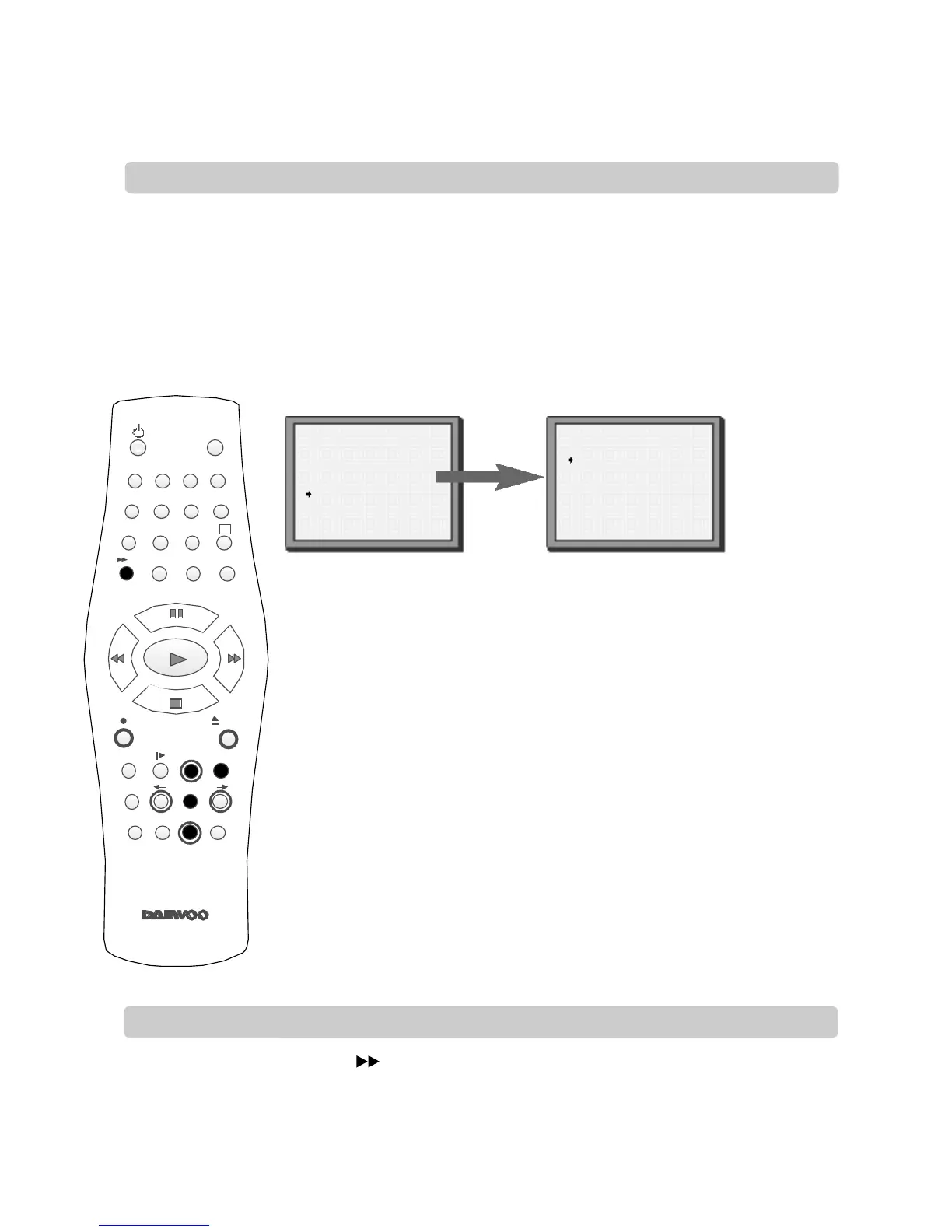
Choose ‘16:9 set’ by pressing MENU. Press PR- twice then OK. Press PR+ then OK.
Press PR- to choose the setting you want, for example, -AUTO,
-ON or -OFF. Confirm the setting with OK.
VCR SETUP
Clock Set
RF Output Set
2nd Scart Set
16:9 Set
PR+/-:select
OK:confirm MENU:end
16:9 SET
AUTO
OFF
ON
PR+/-:select
OK:confirm MENU:end
1
2
3



 To Next Page