8 Configuration
Installer reference guide
75
ERGA04~08DAV3(A) + EHBH/X04+08DA
Daikin Altherma – Low temperature split
4P496758-1 – 2017.12
Disable protections
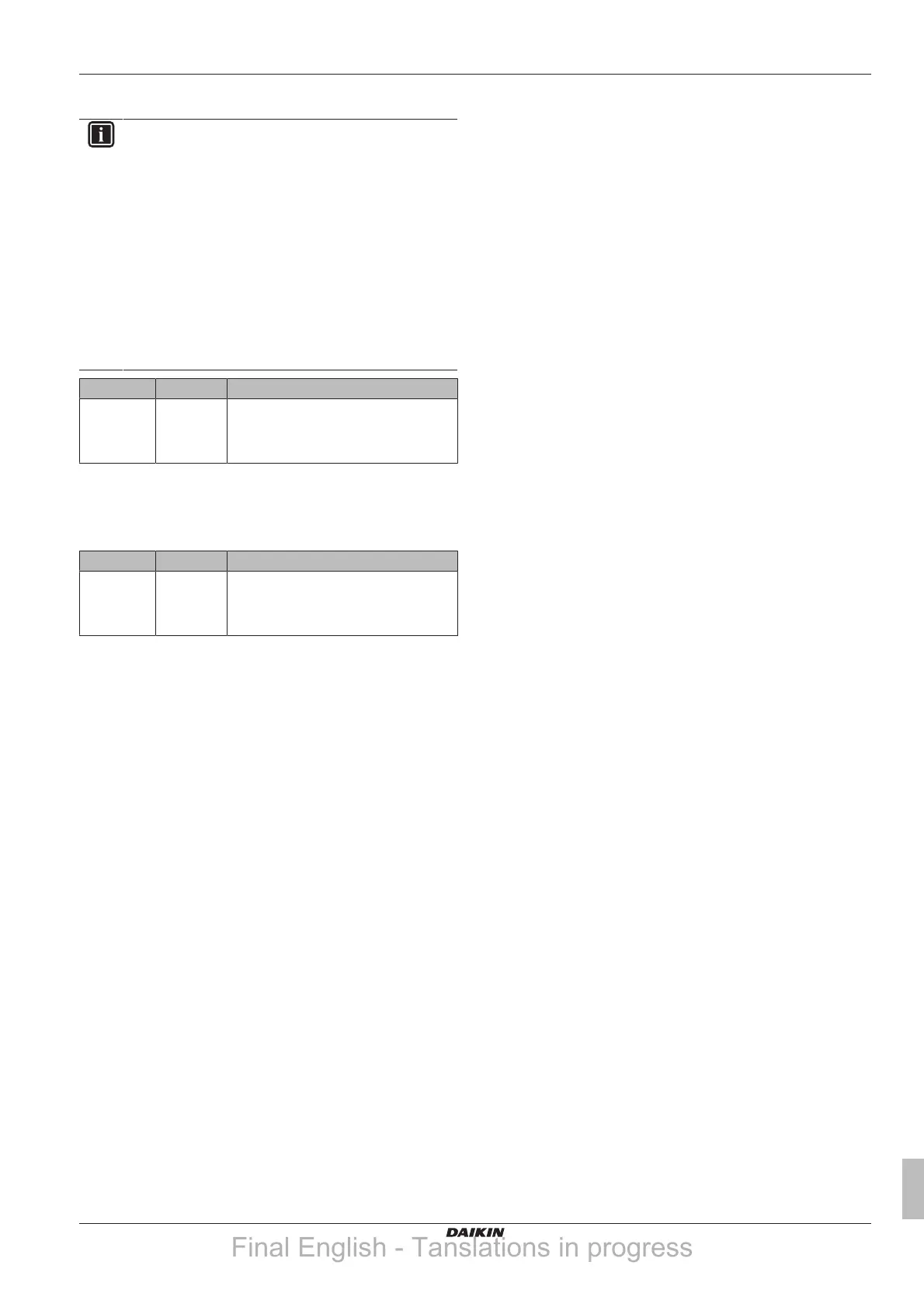
INFORMATION
The software is equipped with an "installer-on-site" mode
([9.G]: Disable protections), that disables automatic
operation by the unit. At first installation, setting Disable
protections is by default set to Yes, meaning automatic
operation is disabled. All protective functions are then
disabled. If the user interface home pages are off, the unit
will NOT operate automatically. To enable automatic
operation and the protective functions, set Disable
protections to No.
36 hours after the first power-on, the unit will automatically
set Disable protections to No, ending "installer-on-site"
mode and enabling the protective functions. If – after first
installation – the installer returns to the site, the installer
has to set Disable protections to Yes manually.
# Code Description
[9.G] N/A Disable protections
▪ 0: No
▪ 1 Yes
Forced defrost
Forced defrost
Manually start a defrost operation.
# Code Description
[9.H] N/A Do you want to start a defrost operation?
▪ Back
▪ OK
Overview field settings
All settings can be done using the menu structure. If for any reason it
is required to change a setting using the overview settings, then the
overview settings can be accessed in the field settings overview [9.I].
See "To modify an overview setting"on page47.
Final English - Tanslations in progress




 To Next Page