TIMER OFF
(Auto-offOperation)
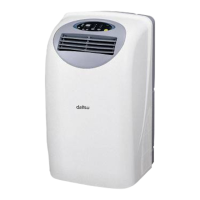
TheTIMEROFFfeatureisusefulwhenyouwanttheunitto
turn off automatically after you go to bed.
Theairconditionerwillstopautomaticallyatthesettime.
Example:
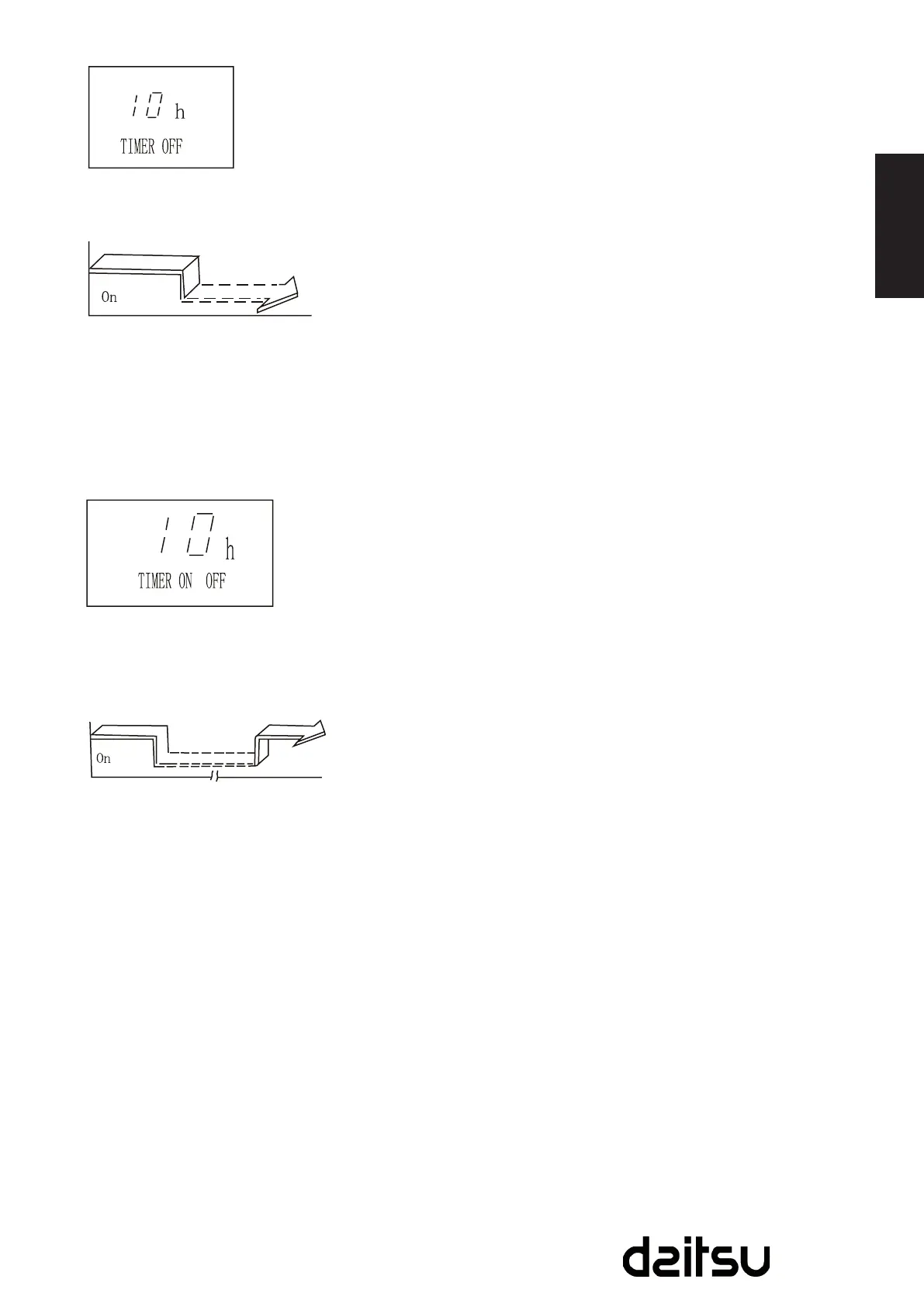
Tostoptheairconditionerin10hours.
1. PresstheTIMEROFFbutton,thelastsettingof
stoppingoperationtimeandthesignal“h”willshowonthe
display area.
2. PresstheTIMEROFFbuttontodisplay“10h”on
theTIMEROFFdisplayoftheremotecontroller.
3. Waitforabout3secondsandthedigitaldisplay
areawillshowthetemperatureagain.Nowthisfunctionis
activated.
COMBINED TIMER
(SettingbothONandOFFtimerssimultaneously)
TIMER OFF -* TIMER ON
(On-Stop-Startoperation)
Thisfeatureisusefulwhenyouwanttostoptheair
conditionerafteryougotobed,andstartitagaininthe
morningwhenyouwakeuporwhenyoureturnhome.
Example:
Tostoptheairconditioner2hoursaftersettingandstartit
again10hoursaftersetting.
1. PresstheTIMEROFFbutton.
2. PresstheTIMEROFFbuttonagaintodisplay2.0honthe
TIMEROFFdisplay.
3. PresstheTIMERONbutton.
4. PresstheTIMERONbuttonagaintodisplay10honthe
TIMERONdisplay.
5. Wait for the remote control to display the setting
temperature.
10hourslater
Start
Stop
Set
Set
Stop
2hourslater
after setting
10hourslater
after setting



 To Next Page